Free Convert MP4 to MP3 Audio Online Instantly
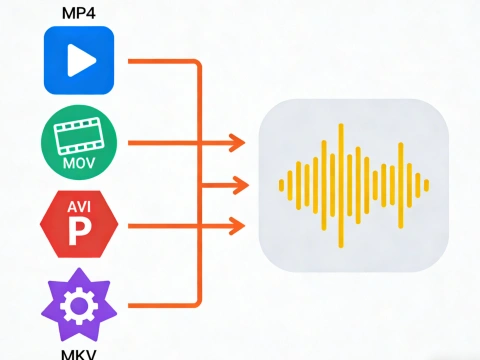
AdpexAI’s video to audio converter isolates and converts audio tracks from video files with precision and clarity. Supporting formats like MP4, MOV, and MKV, our engine produces clean MP3 or WAV outputs—ideal for podcasts, music reuse, voice editing, and professional audio workflows.
What You Can Do with Video to Audio Converter?
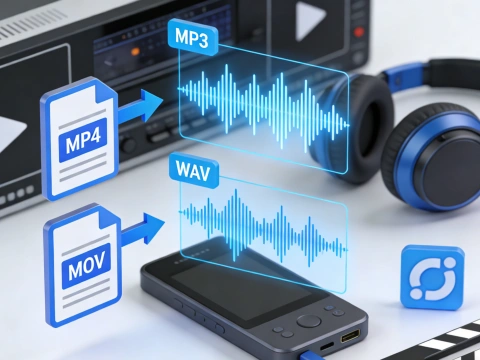
Convert Video to High-Quality Audio
Easily convert video to audio files in MP3, WAV, or other formats while preserving original sound quality. Perfect for extracting audio from video lectures, podcasts, or music videos, this tool ensures you can get audio from video for offline listening or editing.
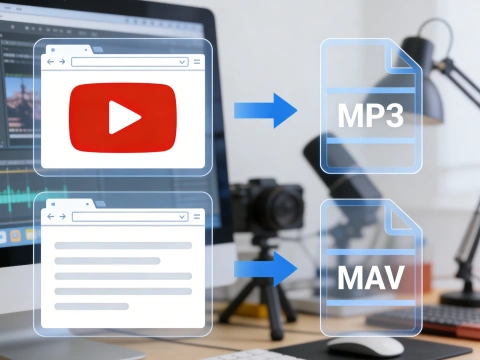
Extract Sound from YouTube and Online Videos
With the YouTube to audio converter, you can seamlessly convert YouTube video to audio and download music or voiceovers from YouTube, YouTube Shorts, or other online platforms. It works as a reliable video to MP3 converter and audio extractor from YouTube video for content creators and learners.
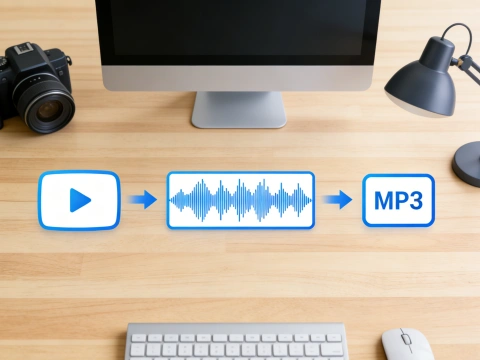
Support for Multiple Video Formats
Our converter handles MP4, MOV, MKV, WEBM, and FLV, making it versatile for any video source. Whether you need to convert MP4 to MP3, convert MOV to MP3, or video to WAV, the tool ensures smooth conversion without losing audio fidelity, ideal for music production or transcription work.
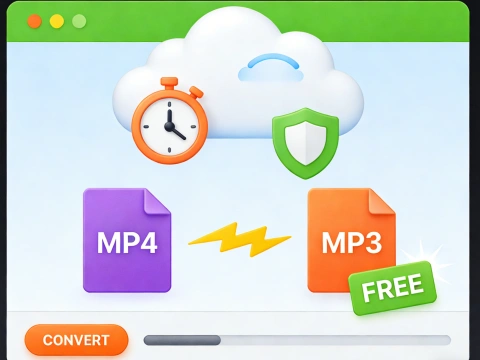
Fast, Free, and Online Video to Audio Conversion
AdpexAI’s video to audio converter online free allows instant conversion with no software installation. Users can mp4 to mp3 converter online free, convert video to audio file, or convert MP4 to MP3 online in just a few clicks, providing a safe and efficient solution for extracting audio anytime, anywhere.
Why Do You Need AdpexAI’s Video to Audio Converter?
Professional-Grade Audio Extraction Engine
AdpexAI is built on a high-precision audio processing pipeline that cleanly extracts audio from video without compression artifacts. Whether you convert MP4 to MP3, convert MOV to MP3, or convert video to WAV, the output remains clear, stable, and suitable for podcasts, voiceovers, or post-production—outperforming many basic video to audio converters that degrade sound quality.
Simple, Online, and Creator-Friendly
Unlike complex desktop tools, AdpexAI works as a video to audio converter online free, requiring no installation or technical setup. Users can convert video to MP3, get audio from video, or use it as an MP4 to MP3 converter online in just a few clicks—making it ideal for creators, educators, and marketers who value speed and ease of use.
Privacy-First Conversion with Flexible Formats
AdpexAI prioritizes user trust by securely handling files during conversion and automatically deleting them after processing. You can safely convert video to audio file formats like MP3 or WAV, or use it as a reliable YouTube to audio converter alternative without account binding. This balance of data protection and format flexibility sets it apart from many free audio extractor tools.
How to Use AdpexAI’s Video to Audio Converter?
Upload your MP4, MOV, MKV, or WEBM file to start converting video to audio. AdpexAI works as a fast video to audio converter online, letting you easily get audio from video without installing any software.
Select MP3 or WAV and click “Convert” to extract audio from video. The tool supports MP4 to MP3, convert MOV to MP3, and video to WAV conversion with high audio clarity.
Once processing is complete, download your audio instantly. Your converted file is ready to use as a video to MP3, podcast track, or standalone audio file for editing and sharing.
FAQs for Video to Audio Converter


 Your One-Stop GenerationAI Agent / Tools Hub
We help you find, manage,
and grow with the ones who move people.
 Start Creating
