Convert JPG to Structured Excel Online Free
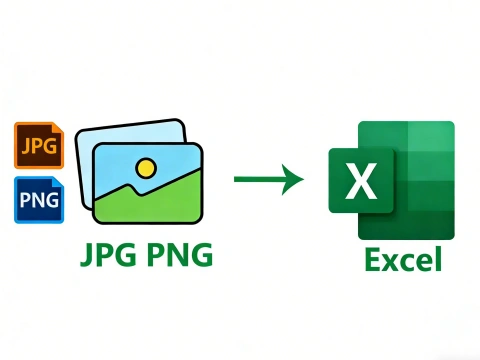
AdpexAI’s image to Excel converter uses advanced OCR and table recognition technology to extract data from photos, screenshots, and scanned images into fully editable Excel spreadsheets. From JPG to PNG formats, our AI preserves rows, columns, and numeric accuracy—ideal for data analysis, reporting, and spreadsheet automation.
What You Can Do with Image to Excel Converter?
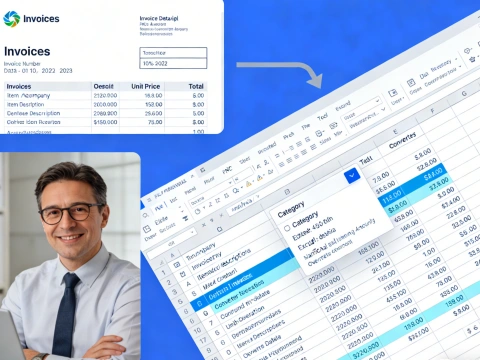
Convert Images to Editable Excel Sheets
Easily convert image to Excel or JPG to Excel format with precision. This is ideal for professionals who receive data in picture formats, such as scanned receipts, invoices, or charts, and need to transform them into fully editable Excel sheets for reporting or analysis.
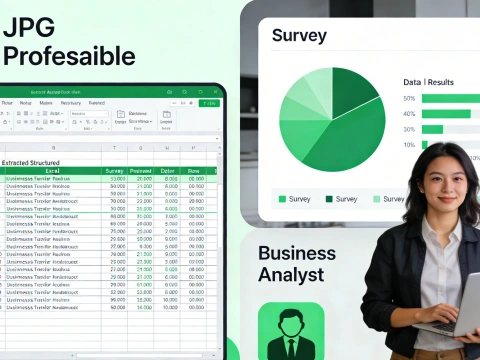
Extract Tables from Photos and Pictures
Using AdpexAI’s picture to Excel converter, you can convert table images to Excel tables without manually retyping. Students, accountants, and business analysts can instantly extract structured data from charts, schedules, or survey results directly into XLS or XLSX files.
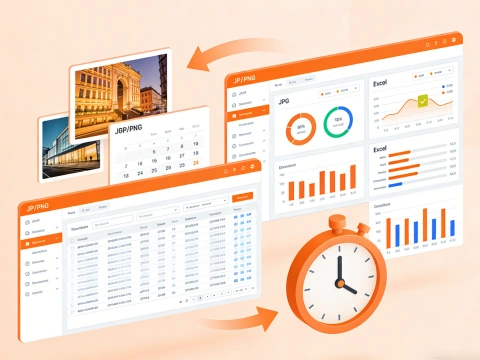
Online Conversion for Multiple Image Formats
Our image to Excel converter online supports JPG, PNG, and other picture formats, letting you convert images to XLS or Excel sheets free online. This flexibility ensures that all types of visual data can be quickly transferred into spreadsheets, saving hours of manual input.
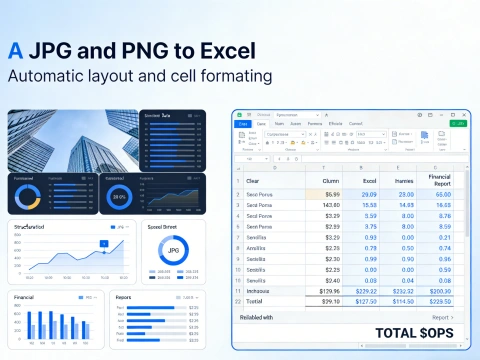
Automated Layout and Cell Formatting
When you convert photo to Excel or picture to Excel table, AdpexAI automatically preserves the layout, adjusts cell sizes, and aligns data accurately. This feature is perfect for businesses needing ready-to-use spreadsheets for financial statements, product catalogs, or project tracking.
Why Do You Need AdpexAI’s Image to Excel Converter?
Advanced OCR Technology for Accurate Conversion
AdpexAI leverages cutting-edge OCR to convert image to Excel with high accuracy, even for complex tables or scanned JPGs. Unlike basic picture to Excel converters, it ensures that numbers, text, and formulas are preserved perfectly, saving you hours of manual data entry.
Simple and User-Friendly Interface
With our online JPG to Excel or PNG to XLS converter, users can easily transform images into editable Excel files in just a few clicks. No software installation or technical skills are required, making it ideal for students, accountants, and office professionals alike.
Secure and Confidential Data Handling
AdpexAI guarantees data protection during conversion. All image to Excel transfers are processed securely online, ensuring sensitive financial tables, invoices, or survey results remain private while being converted into XLSX or XLS formats.
How to Use AdpexAI’s Image to Excel Converter?
Drag and drop your JPG, PNG, or photo file, or click “Upload” to select the image you want to convert. AdpexAI supports various formats for converting image to Excel free online.
Click “Convert” to transform your picture to Excel table, XLS, or XLSX format. The tool preserves tables, text, and cell structure for easy editing.
Once the conversion is complete, download your Excel sheet. You can now edit, analyze, or share your file directly as a fully editable Excel spreadsheet.
FAQs for Image to Excel Converter


 Your One-Stop GenerationAI Agent / Tools Hub
We help you find, manage,
and grow with the ones who move people.
 Start Creating
