Free Convert PDF to Word Documents with Incredible Accuracy
AdpexAI’s PDF to Word converter transforms static PDF files into fully editable Microsoft Word documents using advanced document recognition technology. From complex layouts to text-heavy reports, AdpexAI ensures accurate structure retention, clean formatting, and reliable content extraction—ideal for professional editing, documentation reuse, and workflow efficiency.
What You Can Do with PDF to Word Converter?
Convert PDF to Word Documents for Professional Editing
AI PDF to Word converter enables you to transform static PDF files into fully editable Word documents, making content revisions fast and accurate. This is especially valuable for reports, contracts, and academic papers where text updates, formatting changes, or collaborative editing in Microsoft Word are required.
Extract Text from PDF to Word Format with Layout Accuracy
When working with text-heavy PDFs such as manuals or whitepapers, converting PDF to Word format allows precise text extraction while preserving paragraphs, headings, and alignment. This helps users reuse content efficiently without retyping, improving productivity in documentation and content repurposing workflows.
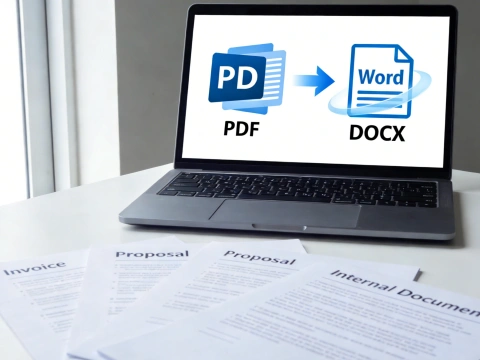
Transfer PDF Files to DOCX for Business and Office Workflows
Using a PDF to DOCX converter online streamlines everyday business tasks like updating invoices, proposals, or internal documents. By converting PDF files into Word documents, teams can easily standardize formatting, apply templates, and integrate files into existing Office-based processes.
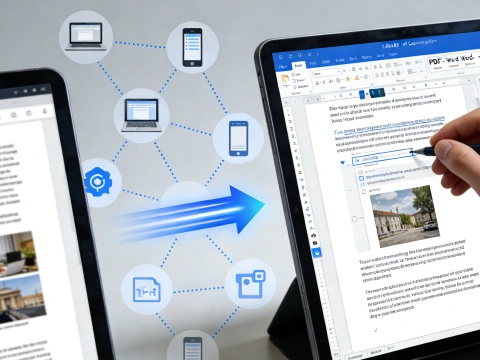
Change PDF to Word Online for Fast, Accessible File Conversion
A PDF to Word online converter offers instant access without software installation, ideal for remote work and on-the-go document handling. Whether you need to convert PDF to Word free for quick edits or share editable files across devices, online conversion ensures speed, accessibility, and workflow continuity.
Why Do You Need AdpexAI’s PDF to Word Converter?
Higher Conversion Accuracy Than Standard PDF to Word Tools
Many PDF to Word converters struggle with complex layouts, mixed fonts, or embedded elements. AdpexAI applies advanced document structure analysis to convert PDF files to editable Word documents with greater accuracy, preserving text hierarchy and spacing where basic PDF to DOC converters often fail.
Reliable PDF to Word Online Conversion Without Workflow Friction
Unlike tools that require downloads, account creation, or watermarked exports, AdpexAI offers a streamlined PDF to Word online experience. Users can change PDF to Word format directly in the browser, making it a practical solution for teams that need fast, accessible document conversion without disrupting existing workflows.
Editable Word Output Optimized for Real-World Use
AdpexAI focuses on producing Word documents that are truly usable after conversion. When you convert PDF to DOCX or transfer PDF to Word format, the result is an editable file optimized for Microsoft Word—ideal for editing, formatting, and content updates, not just text extraction.
How to Use AdpexAI’s PDF to Word Converter?
Upload the PDF document you want to convert using AdpexAI’s PDF to Word converter online. The tool securely processes your file in the browser without requiring software installation.
Start the conversion to transform your PDF into an editable Word document. AdpexAI analyzes the file structure and converts the PDF to DOCX format while preserving text layout and formatting.
Download the converted Word file and open it in Microsoft Word. You can now edit, format, or reuse the content freely, making document updates fast and efficient.
FAQs for PDF to Word Converter


 Your One-Stop GenerationAI Agent / Tools Hub
We help you find, manage,
and grow with the ones who move people.
 Start Creating
