Free Convert PDF to Editable Excel Spreadsheets Instantly
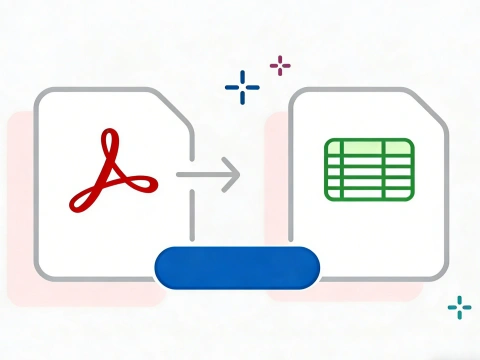
AdpexAI’s PDF to Excel converter leverages advanced table recognition and OCR technology to transform PDF files into structured, editable Excel spreadsheets. From financial reports to scanned tables, our AI preserves rows, columns, and data integrity—making spreadsheet editing, analysis, and reuse fast and reliable.
What You Can Do with PDF to Excel Converter?
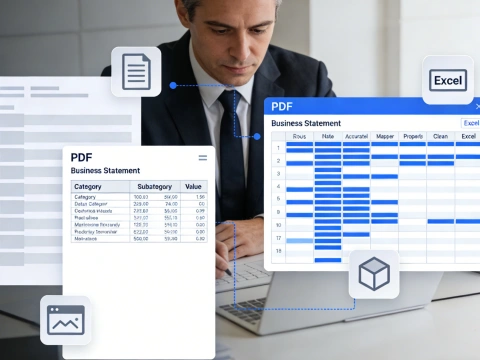
Extract Structured Tables from PDF to Excel
Convert complex PDF tables into fully editable Excel spreadsheets without manual copy-paste. Whether you need to extract data from PDF to Excel for financial reports, invoices, or business statements, the converter accurately maps rows, columns, and cells into a clean Excel sheet ready for analysis.
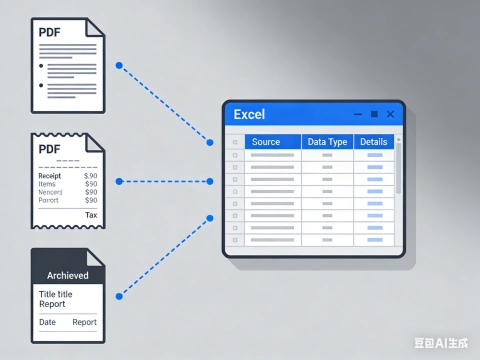
Convert Scanned PDF to Excel with OCR Accuracy
Turn image-based or scanned PDF files into usable spreadsheets using OCR PDF to Excel technology. Ideal for digitizing printed documents, receipts, or archived reports, this feature lets you convert scanned PDF to Excel and recover tabular data that would otherwise be locked in images.
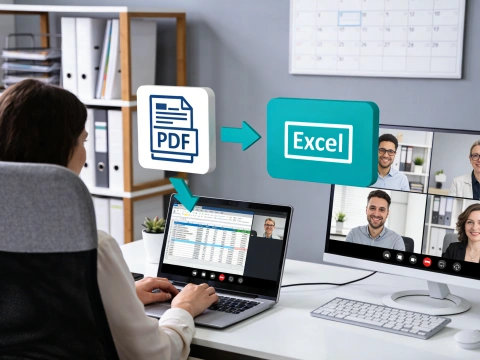
Online PDF to Excel Conversion for Fast Workflows
Use a PDF to Excel converter online to instantly transform PDFs into XLS or XLSX files—no software installation required. Perfect for teams, freelancers, and remote work scenarios, this approach enables quick PDF to Excel format conversion directly in your browser from any device.
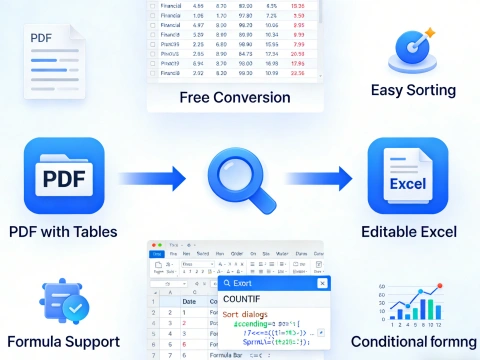
Free PDF to Excel Conversion for Data Editing
Save time and cost by using a PDF to Excel free solution that supports exporting tables into editable spreadsheets. Whether you want to change PDF to Excel free for budgeting, reporting, or data cleanup, the converted Excel file allows easy sorting, formulas, and further processing.
Why Do You Need AdpexAI’s PDF to Excel Converter?
Enterprise-Grade Accuracy for Reliable PDF to Excel Conversion
Many free tools break table structures or misalign cells when converting complex files. AdpexAI uses advanced layout recognition and PDF to Excel OCR technology to accurately extract data from PDF to Excel, ensuring headers, formulas, and numeric columns remain intact—making it a reliable choice for professional reporting and analysis.
Simple Online Workflow Without Software or Email Barriers
Unlike traditional PDF to Excel converter software that requires installation or registration, AdpexAI lets you convert PDF files to Excel online in just a few clicks. This streamlined experience is ideal for users who need a fast, browser-based PDF to XLSX solution without downloads, accounts, or technical setup.
Secure Conversion with Flexible Excel Output Formats
Data privacy is a key concern when transferring documents online. AdpexAI provides a secure PDF to Excel converter online free without email, protecting uploaded files during processing. Users can export PDF tables to Excel in XLS or XLSX formats, ensuring compatibility with Microsoft Excel and other spreadsheet tools.
How to Use AdpexAI’s PDF to Excel Converter?
Select or drag your PDF file into the AdpexAI PDF to Excel converter online. You can convert PDF to XLS or XLSX from any device, including scanned or image-based PDFs, without downloading additional software.
Choose the desired output format and enable OCR if your PDF contains scanned tables. This allows you to accurately transform PDF tables into Excel spreadsheets and extract data from PDF to Excel seamlessly.
Click “Convert” and download your Excel file. Your PDF tables are now fully editable in Microsoft Excel, preserving layout, formulas, and formatting. You can save PDF as Excel or PDF to xlsx for further analysis or reporting.
FAQs for PDF to Excel Converter


 Your One-Stop GenerationAI Agent / Tools Hub
We help you find, manage,
and grow with the ones who move people.
 Start Creating
