AI Compress Videos Online Free Efficiently

AdpexAI’s video compressor tool intelligently reduces video file size while maintaining visual clarity and playback performance. Optimized for MP4 and other common formats, our compression engine balances resolution, bitrate, and encoding efficiency—ideal for faster uploads, storage optimization, and cross-platform sharing.
What You Can Do with AI Video Compressor?
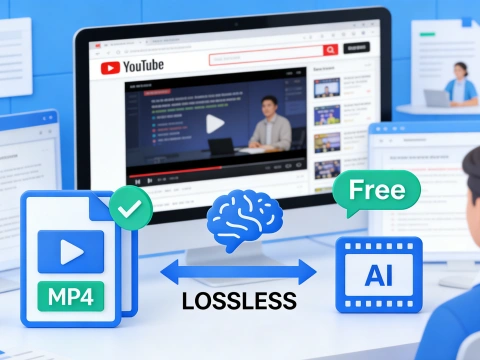
Compress Videos Without Losing Quality
Powered by intelligent video compression algorithms, AdpexAI analyzes motion, bitrate, and resolution frame by frame to compress video without losing quality. This makes it ideal for creators who need to reduce video size while preserving clarity for YouTube uploads, online courses, and client deliveries where visual quality directly impacts credibility.
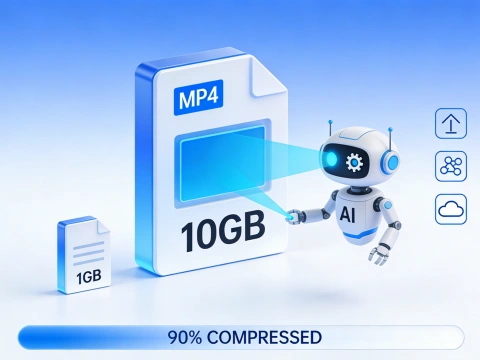
Reduce Large Video Files for Fast Online Sharing
With the video compressor online, you can quickly shrink video file size for email, cloud storage, or messaging apps. Whether you need to compress MP4 for Google Drive limits or reduce MP4 file size for WhatsApp and Slack, the tool helps make video files smaller without technical setup.
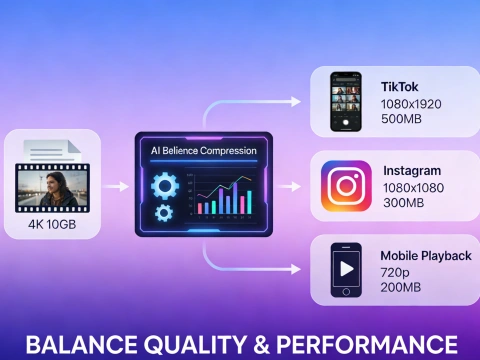
Optimize Videos for Mobile, Social, and Web Platforms
AdpexAI works as an online video shrinker designed for platform-ready output. Easily compress video clip content for TikTok, Instagram, or mobile playback by applying smart video resolution reducer settings that balance performance and clarity—perfect for marketers managing multi-channel content.
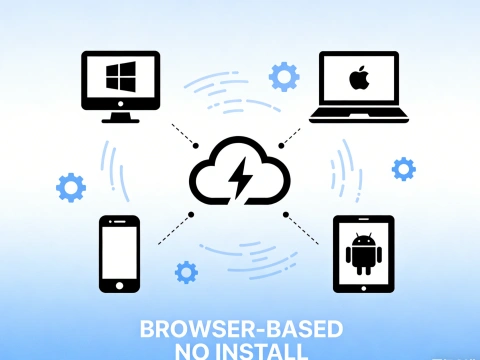
Free, Cross-Device Video Compression Anytime
As a free video compressor, AdpexAI runs directly in your browser with no installation required. You can compress video online free on Windows, macOS, iPhone, or Android, making it a reliable video shrinker free solution for users who need quick results across devices.
Why Do You Need AdpexAI’s Video Compressor?
Smarter AI Video Compression, Not Basic Bitrate Cutting
Unlike traditional tools that simply lower bitrate, AdpexAI applies advanced video compression logic to intelligently reduce video file size while preserving visual detail. This makes it a strong alternative to generic video compressor online tools, especially when you need to compress MP4 or make video files smaller without visible artifacts.
Truly Simple Online Video Shrinker for Any User
AdpexAI is built for speed and usability, allowing anyone to compress my video online in just a few clicks. As an online video shrinker, it eliminates complex settings while still delivering precise video size reduction, making it ideal for creators, marketers, and everyday users who want a reliable free video compressor experience.
Secure, Flexible Compression Across Formats & Devices
With privacy-first processing, your files are handled securely while you compress video online free—no installation or account required. Supporting MP4 and more, AdpexAI works seamlessly as a video compressor for PC, Mac, iPhone, and Android, giving you a flexible way to reduce MP4 size and manage storage across platforms.
How to Use AdpexAI’s Video Compressor?
Select or drag & drop your video (MP4 and other popular formats supported) into AdpexAI’s video compressor online to start compressing your video file.
Pick your preferred compression level to reduce video size, shrink MP4 file size, or compress video without losing quality. Smart optimization balances resolution, bitrate, and clarity.
Click Compress Video to minimize video file size in seconds. Once finished, download your compressed video online free—perfect for sharing, uploading, or storage.
FAQs for AI Video Compressor


 Your One-Stop GenerationAI Agent / Tools Hub
We help you find, manage,
and grow with the ones who move people.
 Start Creating
