

Best 5 TikTok Downloaders in 2025: Save HD Videos Free Online Now
If you’re like me, you’ve probably tried to download a TikTok video only to discover that the file is blurry, covered with a giant watermark, or—worse—locked behind endless pop-ups. I’ve struggled with this many times. Some so-called TikTok downloader sites are full of ads, some have buttons that redirect you in circles, and others lower the video quality or fail to remove the watermark at all.On top of that, the experience can vary wildly between phone and desktop. And if you’re trying to save TikTok videos without watermark, the process becomes even more frustrating.
To stop falling into these traps, I personally tested dozens of TikTok video downloader tools in 2025. After many rounds of downloading TikTok videos—funny clips, tutorials, trending edits, even TikTok sexist video discussions—I finally narrowed the list down to five tools that consistently deliver clean, fast, HD downloads.If you want to skip straight to my top recommendation, scroll to the end of the article.
How I Tested These TikTok Downloaders (Fair & Real Experience)
To make sure this review is reliable and unbiased, I used:
- Devices: both mobile and desktop
- Test clips: 15 TikTok videos (HD videos, music-heavy clips, short content, longer tutorials)
- Evaluation criteria:
- Download speed
- Video clarity
- Presence of ads
- Ability to download TikTok video without watermark
- Ease of use
- Stability & reliability
Everything I share below is based on real usage.
Quick Summary: The Best TikTok Downloaders in 2025
Here’s a fast overview before we dive deep:
| Tool | Rating | Web / Desktop / Extension | Watermark Removal | HD Support | Batch Download | Best For |
| AdpexAI | 9.6/10 | Web | Yes | Yes | No | Fastest & cleanest, everyday TikTok downloads |
| 4K Video Downloader | 9.3/10 | Desktop (Win/Mac/Linux) | Yes | 4K | Yes | Creators & researchers downloading in bulk |
| SnapTik | 9.1/10 | Web (Mobile-focused) | Yes | HD | No | Quick, occasional mobile downloads |
| TikMate.cc | 8.8/10 | Web | Yes | Limited | No | Audio extraction & TikTok music downloads |
| Video DownloadHelper | 8.7/10 | Browser Extension | Yes | HD | No | Desktop power users, in-browser downloads |
AdpexAI — Fastest & Cleanest TikTok Downloader (Rating: 9.6/10)
Type: Web-based
Best For: Anyone who wants the fastest, cleanest, and most stable TikTok video downloader.
Why It Stands Out
What impressed me right away was how effortless AdpexAI feels compared to other tiktok video downloader options I’ve tried. I don’t have to fight with pop-ups or wait for the page to reload—videos just download smoothly without any drama. It quickly became my everyday tiktok downloader because it handles everything I throw at it, from quick clips to longer HD content. And for someone like me who often saves tutorials or reference videos, it’s been the most dependable tiktok video downloader so far—simple to use, fast, and consistently reliable.Pros:
- Extremely fast processing
- Excellent MP3 / M4A / WEBM extraction
- 100% ad-free
- Clean UI, mobile and desktop compatible
- Perfect watermark removal
- HD quality preservation
- Zero failed downloads in my test
- Also support Youtube, Instagram videos download
📌 Perfect For
Users who often need to save TikTok video without watermark, especially tutorials, edits, and analysis videos (even sensitive topics like a TikTok sexist video).
If you want a main tool for everyday use, this is the easiest and most stable.
4K Video Downloader — Best Desktop Software (Rating: 9.3/10)
Type: Desktop App (Windows / Mac / Linux)
Best For: Creators who download TikTok videos in bulk.
Why It Stands Out
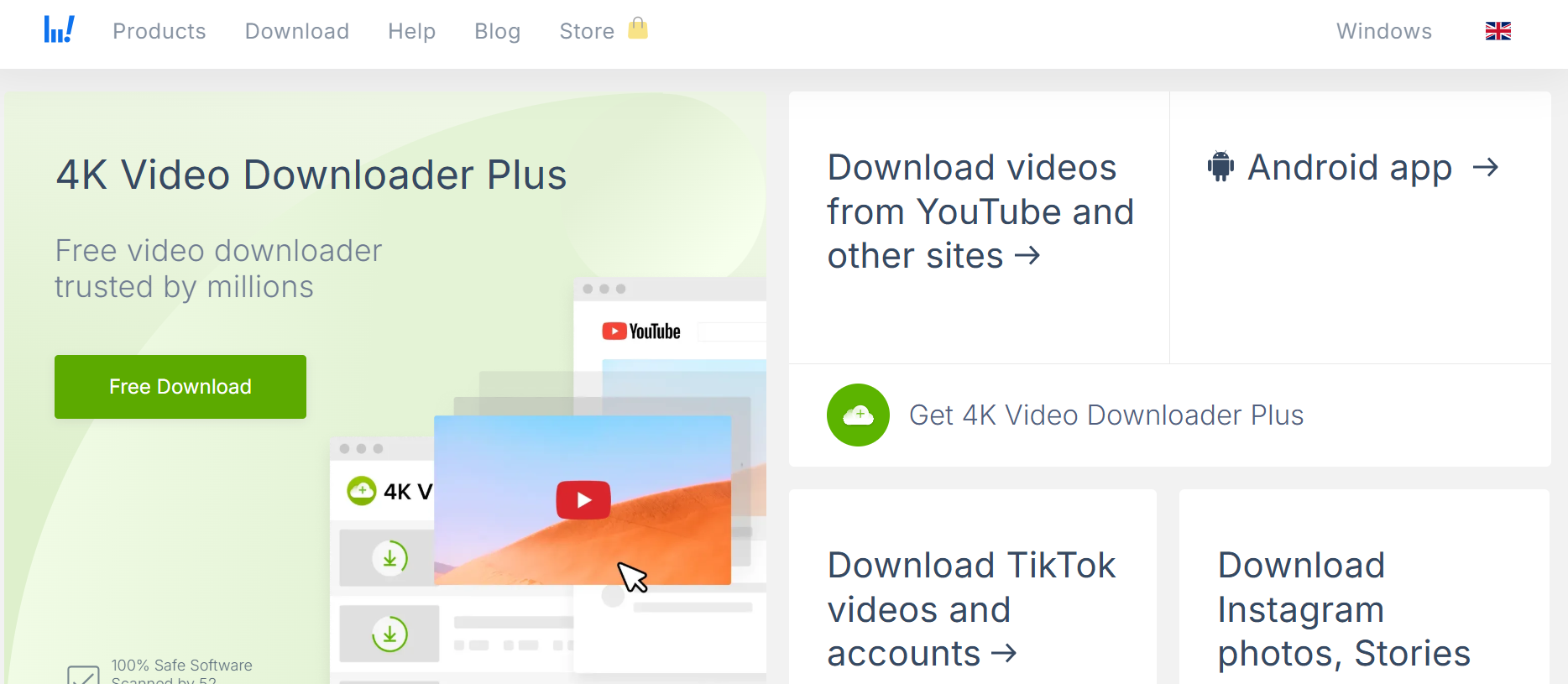
4K Video Downloader is a powerful, professional-grade tiktok video downloader that can batch download TikTok profiles, save videos in 4K, and convert formats automatically.
Pros
- Batch download entire TikTok profiles
- Ultra-high quality (up to 4K)
- Built-in format converter
- Scheduled downloads
- Cross-platform
Cons
- Premium plan required for full features ($15/month)
- Larger installation file
- Overkill for occasional use
📌 Perfect For
Researchers, editors, and creators who frequently download TikTok video content for studio projects or dataset analysis—especially when studying trends or viral topics like a tiktok sexist video.
SnapTik — Best Mobile Experience (Rating: 9.1/10)
Type: Mobile Web Tool
Best For: Users who download TikTok videos on their phones.
Why It Stands Out
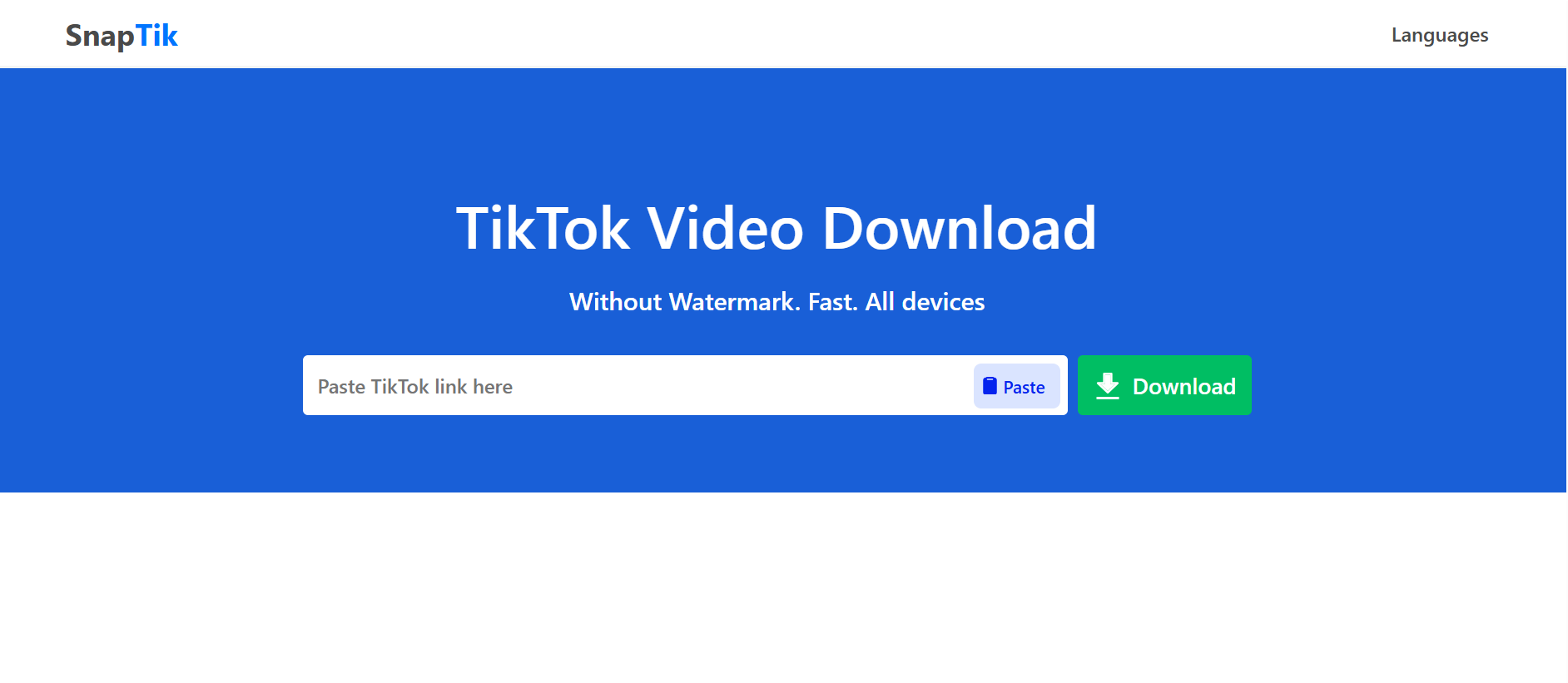
SnapTik is designed specifically for mobile users. Its one-tap interface makes it extremely easy to save TikTok video without watermark on iPhone or Android.
Pros
- Super mobile-friendly
- One-click download
- Works across all phone browsers
- Supports HD
- Minimal ads (almost clean)
Cons
- Weak desktop experience
- No pro features
- Occasional server downtime
📌Perfect For
Anyone searching for a quick, on-the-go tiktok downloader that works smoothly on smartphones.
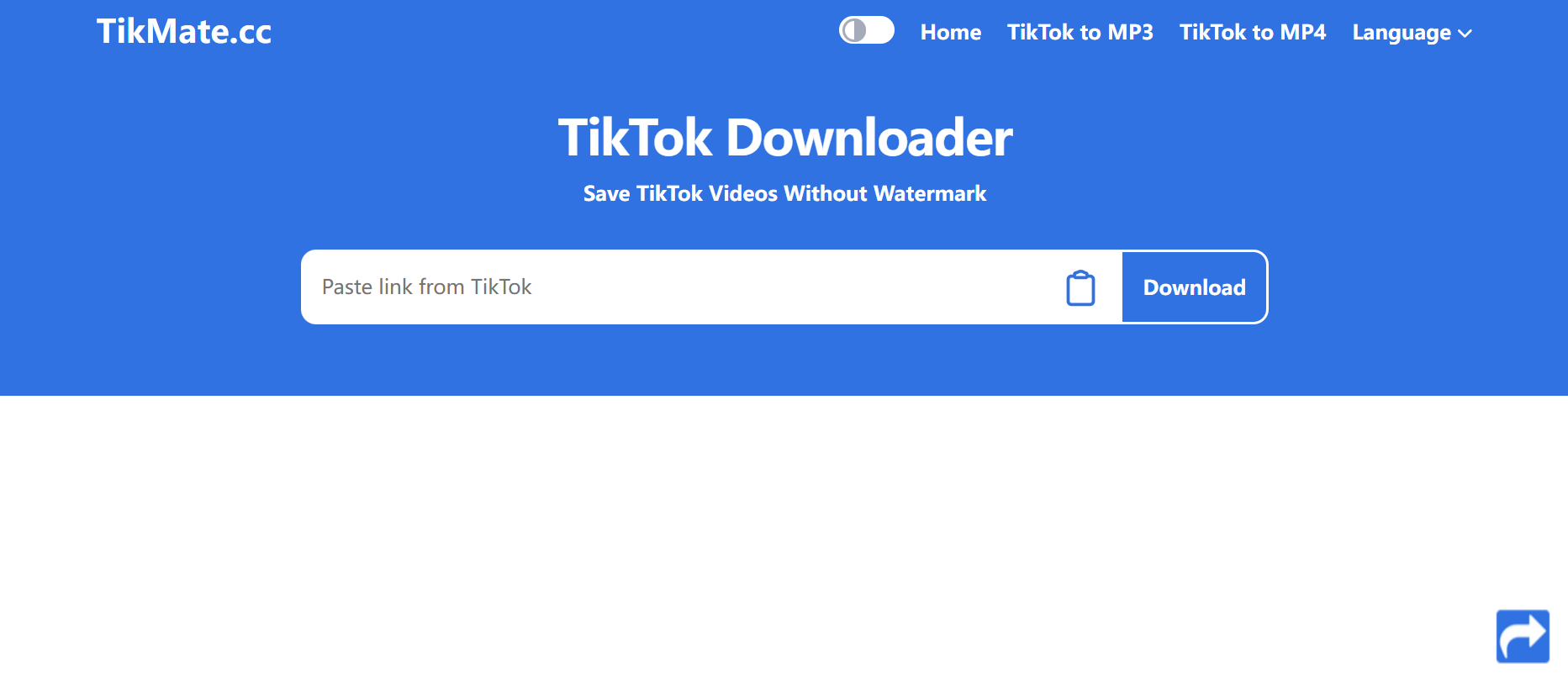
TikMate.cc — Best for Audio Extraction (Rating: 8.8/10)
Type: Web Tool
Best For: Musicians, DJs, and editors who need TikTok audio.
Why It Stands Out
TikMate.cc offers better audio extraction than any other tiktok video downloader. If you often need sound from TikTok videos—music, narration, or viral audio clips—this tool is ideal.
Pros
- Excellent MP3 / M4A / WEBM extraction
- Very fast audio processing
- Great for TikTok music downloads
- Simple and registration-free
Cons
- Interface feels outdated
- Some pop-up ads
- Limited video quality options
📌 Perfect For
Creators who need audio from tiktok videos, or users who want a dedicated tiktok watermark remover plus reliable sound extraction.
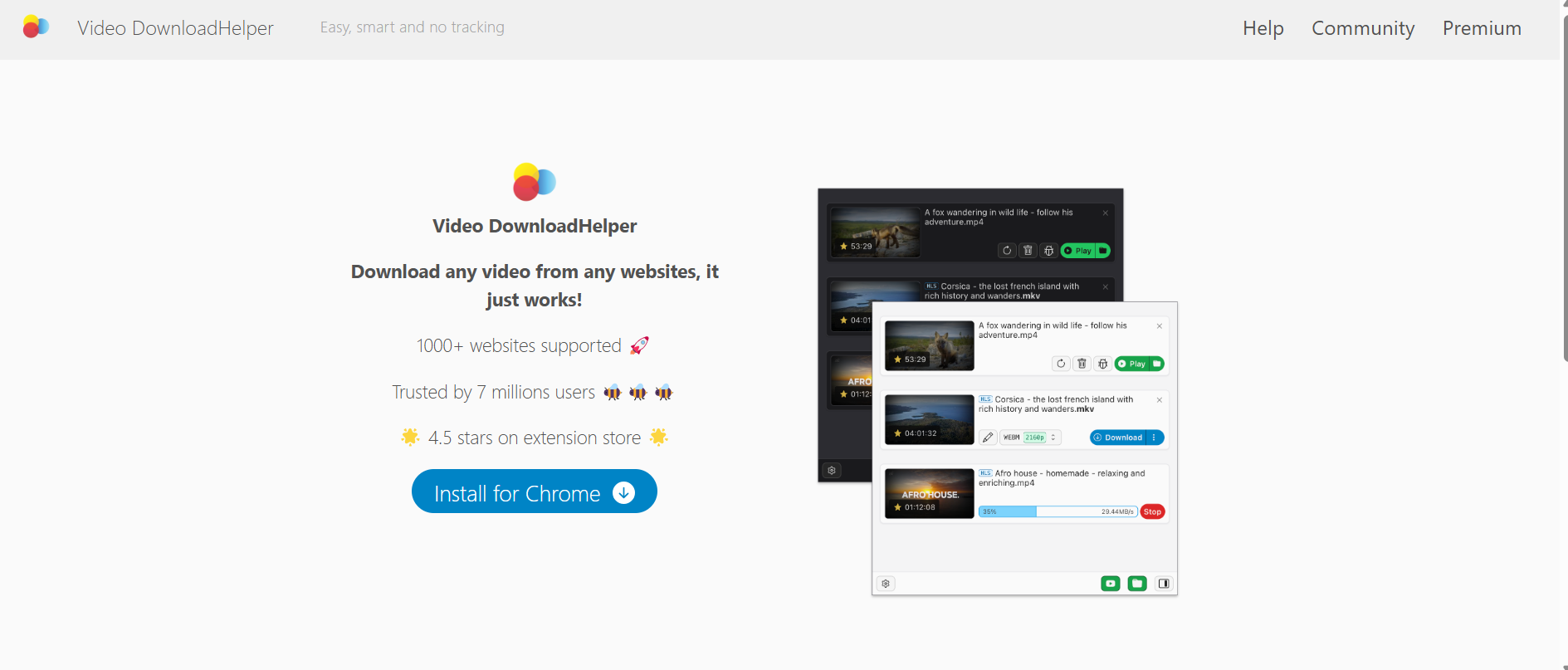
Video DownloadHelper — Best Browser Extension (Rating: 8.7/10)
Type: Chrome / Firefox Extension
Best For: Desktop users who want instant in-browser downloads.
Why It Stands Out
Video DownloadHelper detects downloadable media on webpages automatically. For heavy desktop users, it makes download TikTok video extremely fast with one click.
Pros
- Deep browser integration
- Supports many video sites
- Auto-detects quality
- Smooth for multitasking
Cons
- Sometimes breaks after browser updates
- Limited customization
- Requires permission setup
📌 Perfect For
Power users who research or archive tiktok videos, or anyone collecting clips for study—including sensitive topics like a tiktok sexist video.
My Top Pick for Downloading TikTok Videos
If I had to choose just one tool, AdpexAI would be my top pick. In my 2025 tests, it proved to be the fastest, most reliable, and cleanest TikTok downloader. It doesn’t play games with users—no ads, no annoying redirects, and no compromise on video quality—just smooth downloads and a seamless TikTok watermark remover feature.
That said, the “best” tool really depends on how you use TikTok. Some users may prefer desktop software for batch downloads, while others might want a mobile-friendly option for quick, on-the-go saves. I recommend trying a few of the tools I’ve reviewed to see which fits your workflow best.And if you’ve discovered another TikTok video downloader that works well or has become your personal favorite, I’d love for you to share it! It’s always great to learn about new tools that make saving and enjoying TikTok videos easier.
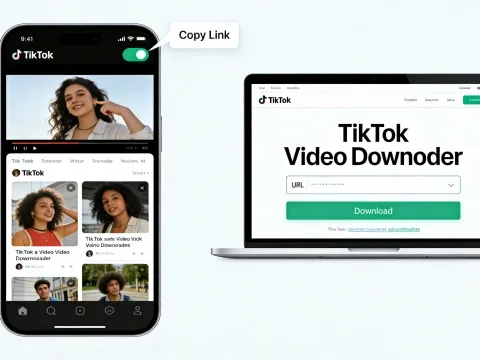
How to Use AdpexAI to Download TikTok Videos
AdpexAI makes saving TikTok videos quick, easy, and accessible to anyone.Here’s a step-by-step guide:
1.Copy the TikTok Video Link
Open the TikTok app or website and find the video you want to save. Tap the “Share” button and copy the video link.
2.Paste the Link onto AdpexAI
Go to the AdpexAI website on your mobile or desktop browser. Paste the copied TikTok URL into the input box on AdpexAI’s homepage.
3.Choose Your Download Options
Select the desired resolution (HD or 4K if available) and format (mp4, mp3)
4.Download the Video
Click the “Download” button. In just a few seconds, your video will be saved to your device—clean, high-quality, and ready to watch offline.
⭐Optional: Download Other Platforms
AdpexAI also supports YouTube and Instagram videos, so you can repeat the same process for other social media clips.
About the author



 Your One-Stop GenerationAI Agent / Tools Hub
We help you find, manage,
and grow with the ones who move people.
 Start Creating
