YouTube Video Transcript – Convert YouTube to Text Instantly
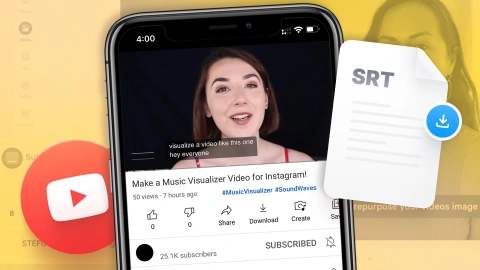
Access free AI YouTube video transcripts anytime. Convert full videos or shorts to editable text with AI-powered YouTube transcript generator online, no app needs. Turn any video into text in seconds with AdpexAI’s YouTube video transcript tool. Simply paste your link, and AdpexAI’s free YouTube transcript generator will instantly convert YouTube video to transcripts—fast, accurate, and free. Easily edit, search, and download YouTube video transcript for content creation, research, or accessibility!
What You Can Do with YouTube Video Transcript?
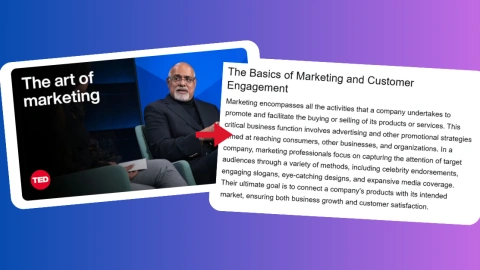
YouTube Video Transcript Free for Marketers & Businesses
Marketing teams can use AdpexAI’s YouTube Transcript Generator to quickly create transcripts from YouTube videos, competitor content, webinars, or product explainers. The YouTube transcript make it easy to repurpose video into blog posts, social captions, or internal documentation, while saving time, reducing manual work, and improving overall content accessibility.
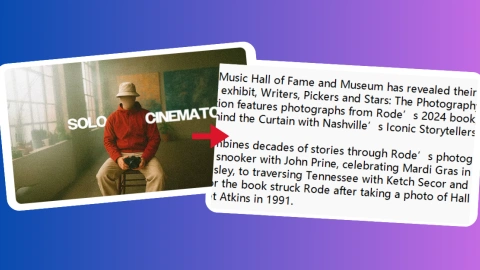
AI YouTube Transcript Generator for Content Creators & Podcasters
Whether editing long-form videos or summarizing podcast interviews, creators benefit from instant YouTube video to text transcription. AdpexAI’s tool helps get the transcript of a YouTube video in seconds, enabling fast quote extraction, subtitle creation, and repurposing into articles or newsletters. This level of automation fuels content repackaging and multiplatform publishing.
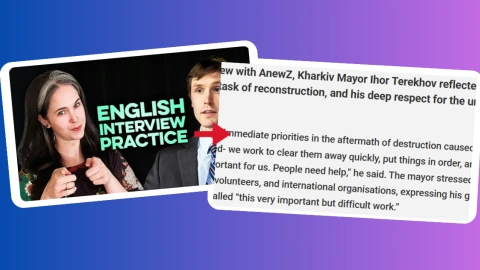
Generate Transcript from YouTube Video for Journalists & Writers
Journalists often rely on interviews, press events, and source material hosted on YouTube. With AdpexAI, you can extract transcript from YouTube video accurately and without time-consuming playback. The transcript of a YouTube video serves as verifiable, editable reference material—enhancing reporting accuracy, workflow efficiency, and compliance with editorial standards.
Get YouTube Transcript Generator for Researchers & Students
Academic researchers and students can use the free YouTube transcripts feature to turn YouTube videos into text for note-taking, citation, or language analysis. Whether you're dissecting a lecture or analyzing case studies, AdpexAI makes it easy to get transcript from YouTube and store it for offline study, annotations, or translation—all within seconds.
Why Do You Need AdpexAI’s YouTube Transcript Generator?
Lightning-Fast, No-Limit YouTube Video Transcript
Unlike many tools that cap usage or throttle speed, AdpexAI offers free YouTube video transcript with no length restrictions. Instantly generate transcript from YouTube video—whether it’s a 2-minute short or a 2-hour webinar. Just paste the link and let our YouTube to transcript converter handle the rest with unmatched speed and precision.
Context-Rich, AI-Enhanced Accuracy with YouTube Video Transcript
While basic tools transcript a YouTube video word-for-word, AdpexAI’s YouTube Transcript Generator goes deeper. Our model understands tone, speaker shifts, and context—perfect for users who need clean, ready-to-use YouTube video to text transcription. Whether you’re a journalist, student, or marketer, you’ll get a transcript that’s structured, searchable, and semantically clear.
One-Click Export, Multi-Purpose Outputs with AI YouTube Transcript
AdpexAI supports instant YouTube transcript download in multiple formats (TXT, SRT, DOCX), enabling easy reuse for captions, blog content, or documentation. With just one click, you can get the transcript of a YouTube video and repurpose it, accessibility, or content planning—no formatting headaches, no rework.
How to Use AdpexAI’s AI YouTube Video Transcript?
Copy and paste any video URL into the YouTube Transcript Generator. AdpexAI instantly detects the source to begin generating a precise transcript of a YouTube video.
With one click, our AI processes the video to generate a YouTube video transcript—accurate, structured, and ready for editing. This YouTube transcript generator can transcribe a YouTube video to text in seconds, no downloads or manual input needed.
Preview or refine your YouTube to text result, then export the final YouTube video transcript in TXT, DOCX, or SRT format. Easily download YouTube transcripts and repurpose them across channels.
Decoding YouTube Video Transcript Technology
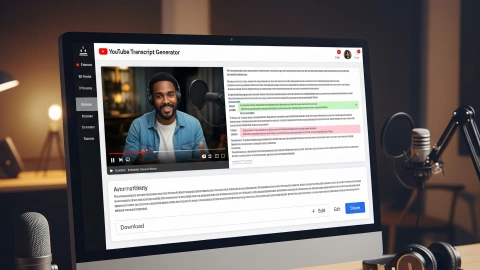
1. What Is a YouTube Transcript Generator and How Does It Convert Speech to Text?
A YouTube Video Transcript uses advanced Automatic Speech Recognition (ASR) technology to convert spoken video audio into editable text.The YouTube video transcript extracts audio, applies noise reduction and silence removal, then analyzes it with deep learning acoustic models like convolutional or recurrent neural networks to recognize phonemes and words. Language models decode these signals into coherent sentences with timestamps, enabling synchronized transcripts for subtitles, searchable text, and chapter markers.
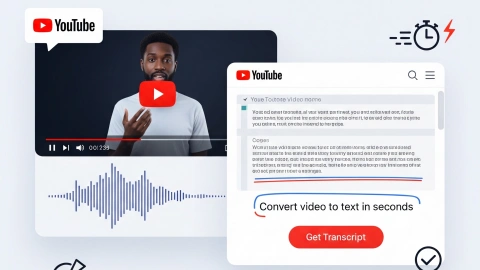
2. How to Accurately Transcript a YouTube Video: Technologies and Challenges Explained
Accurate YouTube video transcript faces challenges like background noise, multiple speakers, accents, and overlap. Solutions apply signal processing (Wiener filtering, spectral subtraction) to enhance audio clarity, and use Mel Frequency Cepstral Coefficients (MFCC) to extract detailed speech features. Contextual language models based on Transformers or GPT architectures resolve ambiguities and correct homophones, producing clear, readable transcripts.
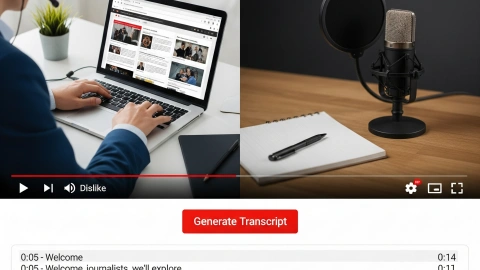
3. What Happens After Transcribing YouTube Video to Text? Summarization and Multilingual Translation Explained
Beyond transcription, NLP techniques extract key themes and summarize video content, aiding quick comprehension. Large pre-trained models like GPT generate concise summaries and visual mind maps for better engagement. Neural Machine Translation (NMT) enables instant multi-language translations of transcripts, breaking language barriers.
FAQs for AdpexAI's YouTube Video Transcript

 Your One-Stop GenerationAI Agent / Tools Hub
We help you find, manage,
and grow with the ones who move people.
 Start Creating
