Video Upscaler
What You Can Do with AI Video Upscaler?

AI Video Upscaler Online Free
Upscale videos to 1080p or 4K with AdpexAI’s AI video upscaler—perfect for reviving low-resolution footage. Whether you're restoring mobile clips or digitizing old home videos, our model enhances textures, edges, and overall clarity without artifacts.
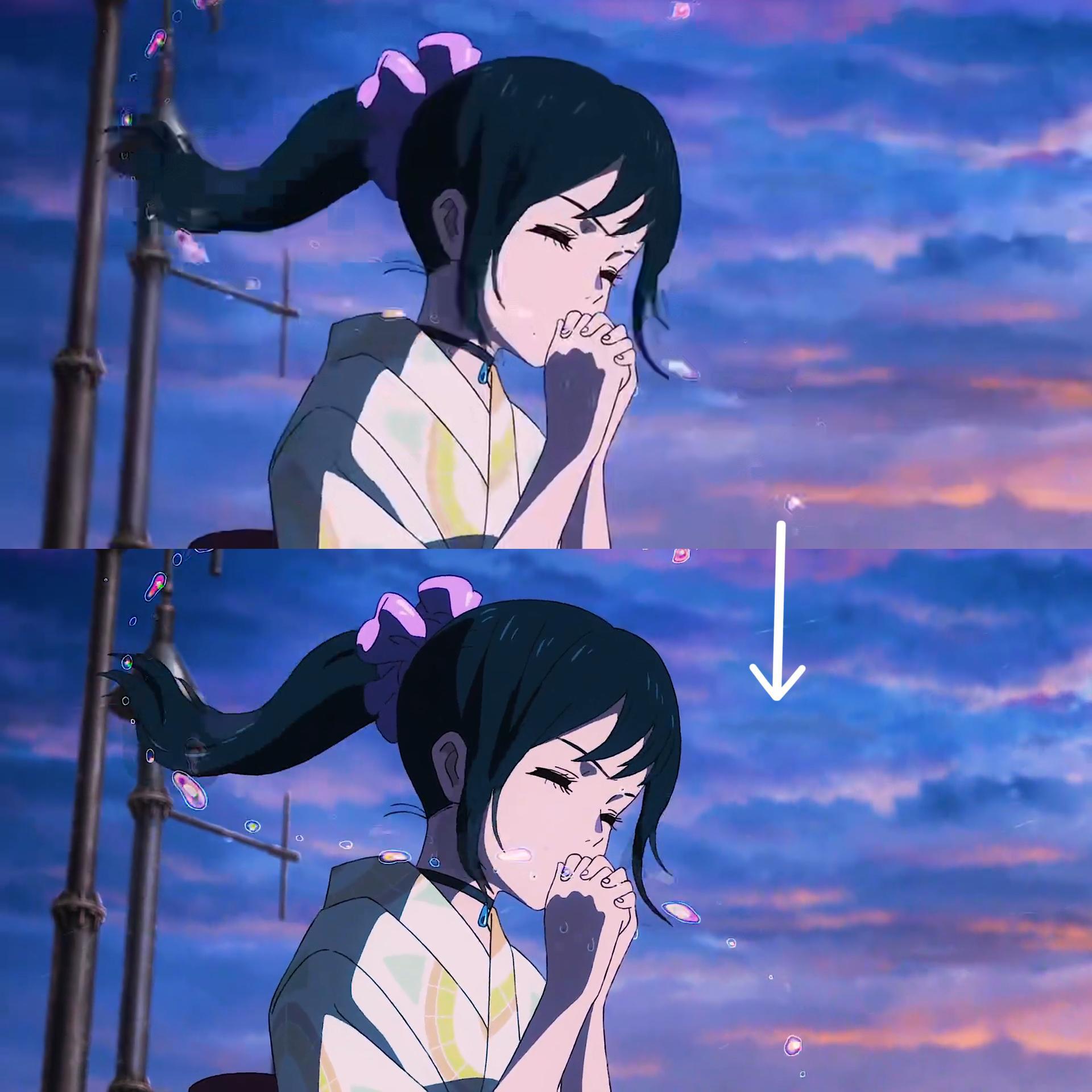
Increase Video Quality Online Free
No software needed. This video enhancer online free tool lets you drag, drop, and upscale instantly in your browser. Enjoy smooth processing, smart frame interpolation, and resolution improvements—completely free and user-friendly.
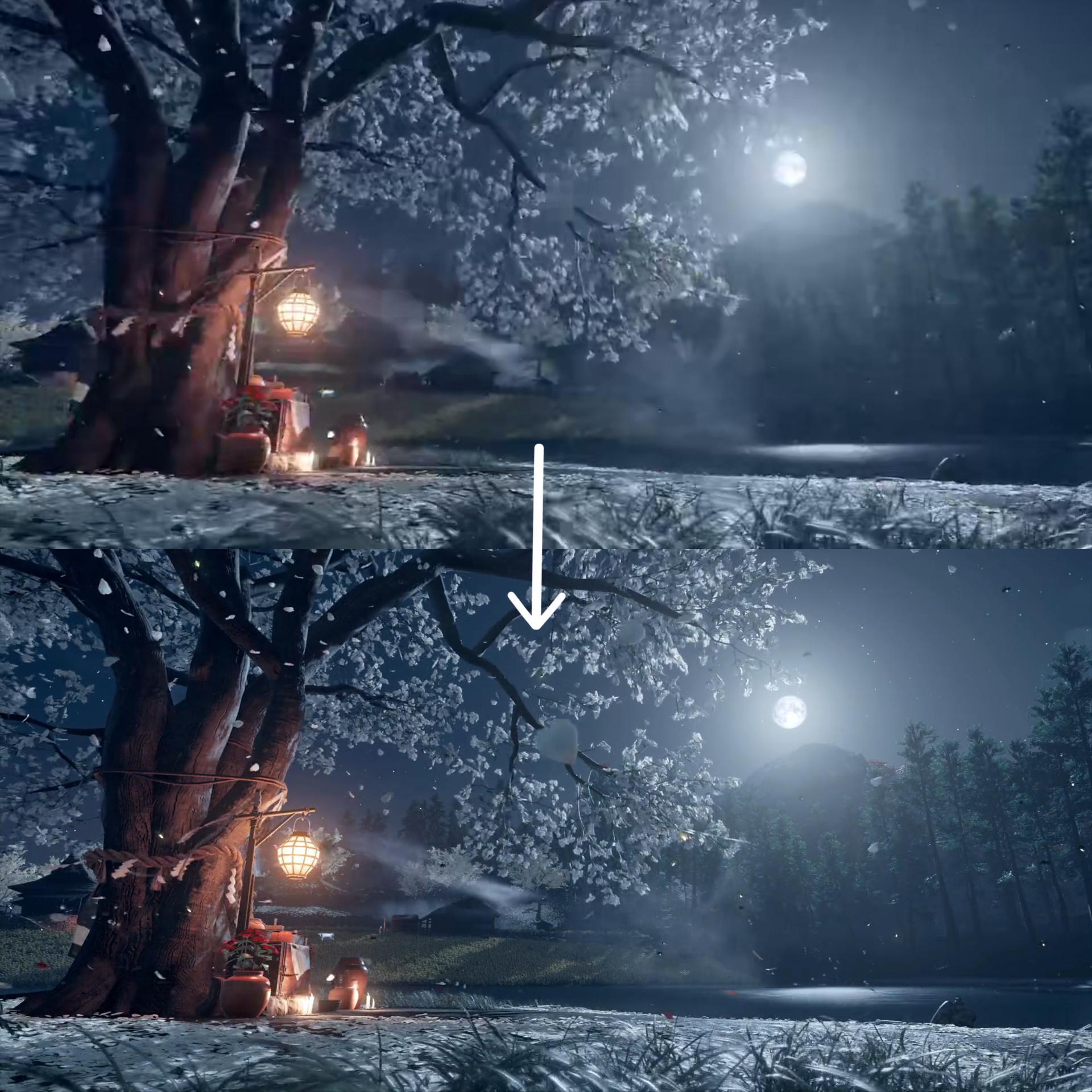
Best for YouTube and Social Media Content
Create HD-ready content with our video upscaler for YouTube, optimized for creator workflows. Boost older uploads to meet modern HD expectations without re-filming, and get noticed on platforms like TikTok, Instagram, and Shorts.
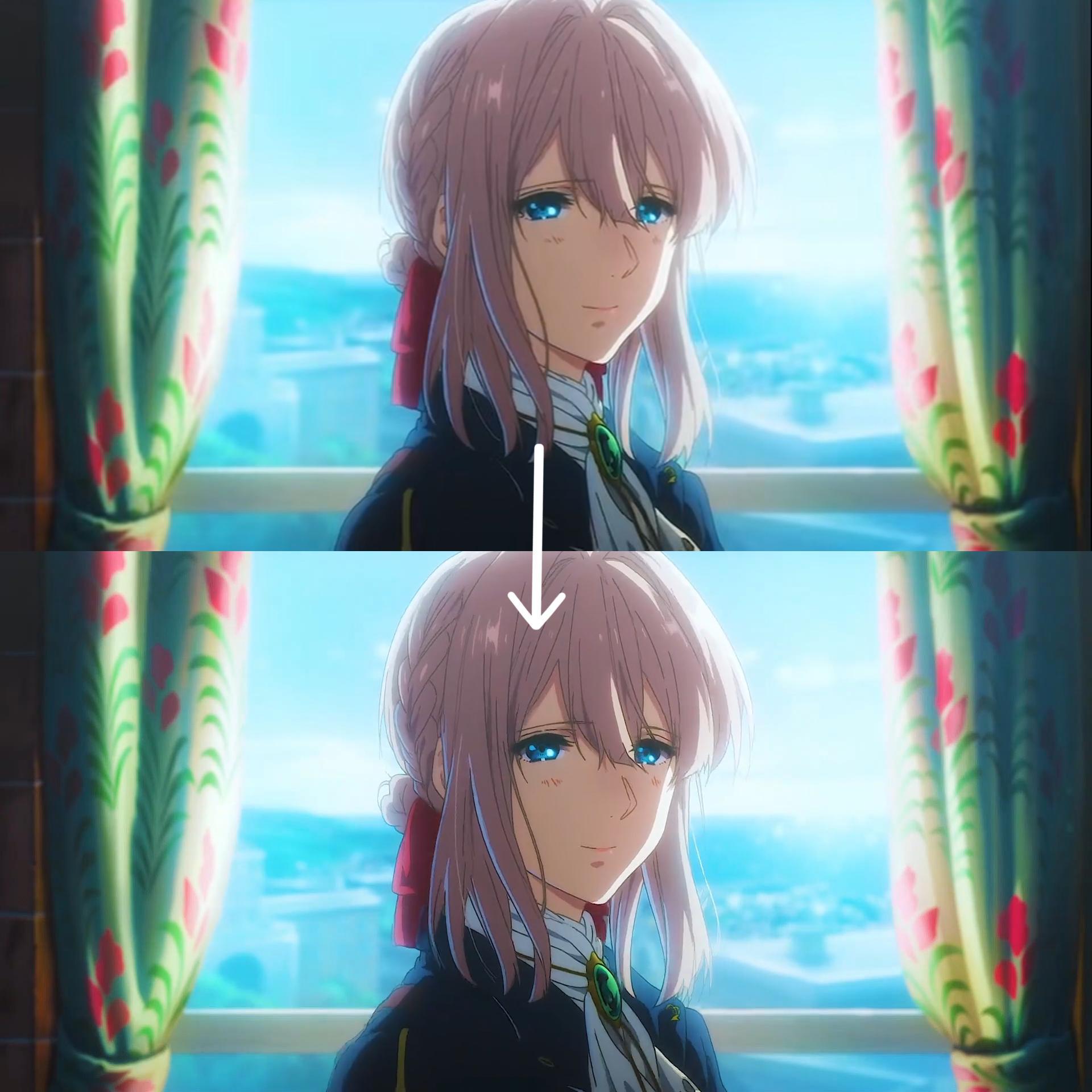
Preserve Details with AI Enhancement
Using deep learning, our AI video enhancer intelligently fills in missing pixels and reduces compression noise. Unlike basic resizers, it retains motion consistency and facial features, making it ideal for cinematic content and interviews.
Why Do You Need AdpexAI’s Video Upscaler?
AI Upscale Video with Precision
Unlike traditional tools that blur edges during upscaling, AdpexAI uses motion-aware deep learning to AI upscale video frame-by-frame. It intelligently fills missing pixels, preserves facial features, and smooths motion—making it ideal for cinematic upgrades and commercial footage.
Increase Video Quality Without Software
You don't need to download bulky editors or pay for premium suites. AdpexAI's video upscaler online runs entirely in your browser and uses real-time AI processing to upscale videos to 1080p or 4K instantly—perfect for students, editors, and remote teams.
4K Video Enhancer for Creators & Businesses
Whether you're preparing pitch videos, short films, or YouTube content, this 4K video enhancer online free ensures your final export meets platform expectations and modern viewing standards—while maintaining natural texture and color accuracy.
How to Use AdpexAI’s Video Upscaler?
Removing captions from videos with our AI Subtitle Remover is simple. Just follow these steps:
Drag and drop your file or select a video directly from your device. Our AI video upscaler supports various formats including MP4, MOV, and AVI.
Select the resolution you want to upscale to. The video upscaler online will automatically analyze the frames and enhance the video using deep learning.
Once processing is complete, preview and download your newly upscaled 4K video with visibly improved quality and detail—ready to publish or share.
FAQs for AI Video Upscaler


 Your One-Stop GenerationAI Agent / Tools Hub
We help you find, manage,
and grow with the ones who move people.
 Start Creating
