Minimax H3 Alternative: Minamax H3 AI Video Generator
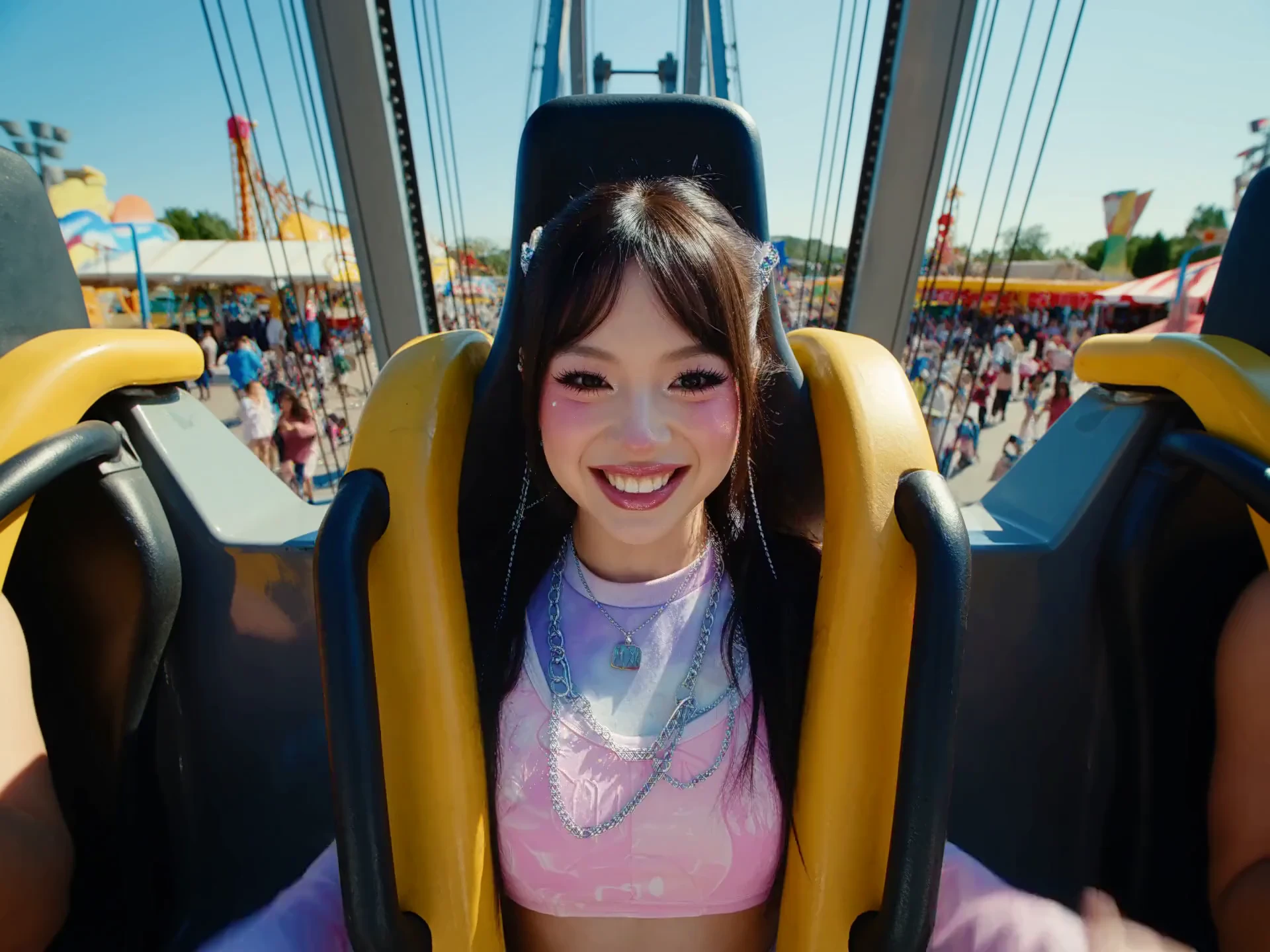
Minamax H3 AI video generator makes a 4 to 15 second MP4 from a photo you already have, locked as the opening frame, the closing frame, or both. Extra reference images, motion clips, and audio can travel with that still so identity, camera, and voice stay together. You get 24 fps picture and native stereo at 768P or 2K.
Key Features of Minamax H3 Video Generator
First and Last Frame Control: Minamax H3 image to video uses one opening photo, one ending photo, or both. Your stills hold the start, the end, or both, so the shot lands on a planned picture rather than a loose camera drift.
Multimodal Inputs: Reference to video reads up to nine images, three clips, and three audio files in one brief, twelve files at most. A face, a motion reference, and a voice can lock together, which single-image animators cannot hold.
Native Stereo: Every Minamax H3 clip is generated with 32 kHz stereo, covering dialogue, foley, music, and room tone in the same pass. You skip a separate sound design step that older silent image-to-video models still require.
2K Clips at 24 FPS: Output runs at 24 frames per second for 4 to 15 seconds, at 768P or 2K, across ratios such as 16:9, 9:16, and 1:1. That range fits a short ad where a still used to become only a slow zoom.
Edit One Detail, Keep the Shot: Name a change, such as a product swap, a background, a lighting shift, or a new line, and the rest of the frame stays put. That beats regenerating the whole clip and hoping the good parts survive.
Multi-Shot Cuts and Readable Type: One 4 to 15 second generation can hold several shots, camera direction, and readable on-screen type for titles, product labels, and interface motion. Split-tool pipelines usually break that continuity between cuts.
What is AdpexAI's Minamax H3 Video Generator?

Minamax H3 is AdpexAI's own AI video model, an image-led generator that treats photos, reference clips, and audio as one brief. It writes motion, cuts, on-screen type, and 32 kHz stereo in the same pass, with dialogue across 11 languages. Teams looking for a Minimax H3 alternative get that reference-to-video control on AdpexAI, aimed at ads, product pages, and short scenes.
How Does AdpexAI's Minamax H3 Video Generator Work?
Step 1. Upload a Photo or References
Add a JPG, PNG, or WEBP as the first frame, the last frame, or both. Attach reference images, a motion clip, or a music or voice file when you need them, and describe the action in plain language.
Step 2. Generate with Minamax H3
Set an integer duration from 4 to 15 seconds and choose 768P or 2K. Minamax H3 generates the motion, the cuts, and native stereo audio in the same pass.
Step 3. Preview and Download
Play the clip and check the end frame, any on-screen type, and the sound. Download the MP4, or name a single change and generate again.
What You Can Do with AdpexAI's Minamax H3 Video Generator?
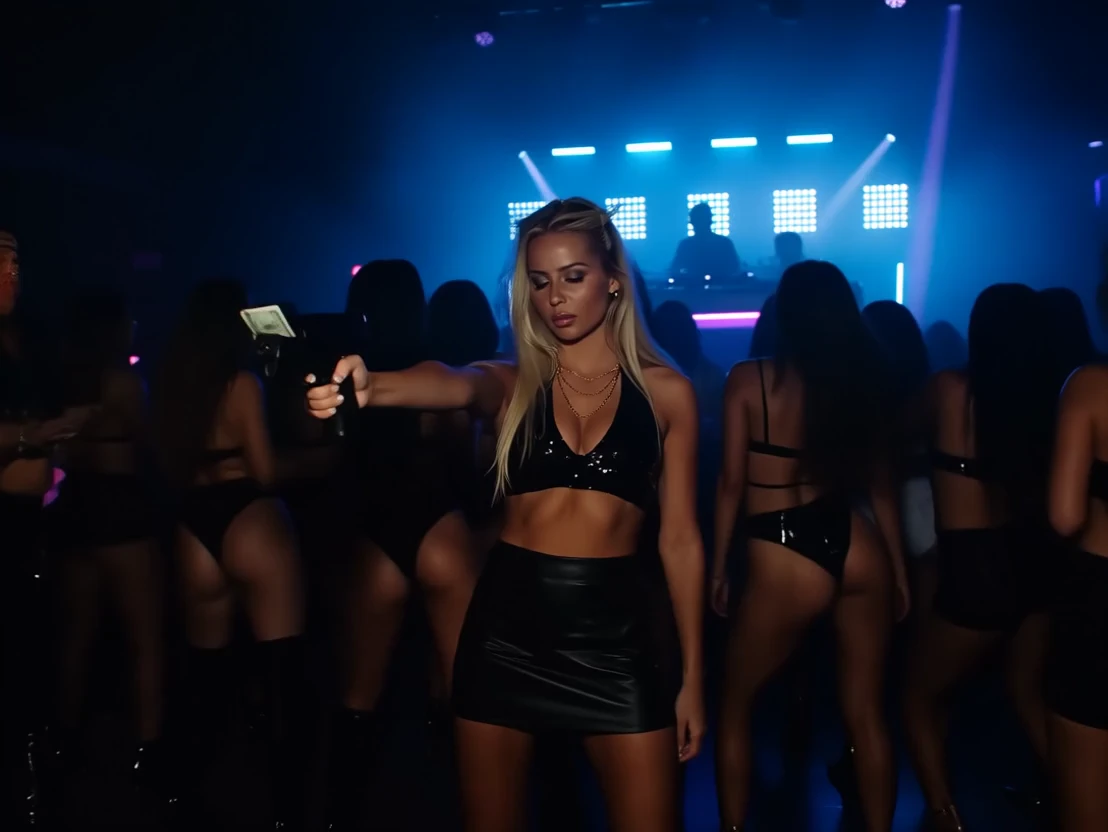
Turning Photos into a Brand Film
Start from a mood still, a character photo, and a product image. Minamax H3 image to video keeps those references while the scene plays a short cinematic beat, with stereo score and room tone already in the MP4. A lookbook frame can become a trailer shot without a reshoot.

Product Photos to a Paid Ad
A packshot, a detail crop, and a model photo can drive an AI photo to video ad. The object design stays locked while the camera moves, and a feature label can stay readable on screen. That gives a listing or a paid social cut a real photo to video path.

Picture to Video for Short Drama
Lock the leads and the setting with reference images, then ask for a 9:16 story beat inside a 4 to 15 second clip. Dialogue can follow a reference voice, with stable delivery in 11 languages, including English, Chinese, Japanese, Spanish, and Korean. Mouth movement is generated with the line, so the still plays as a lip-synced scene.
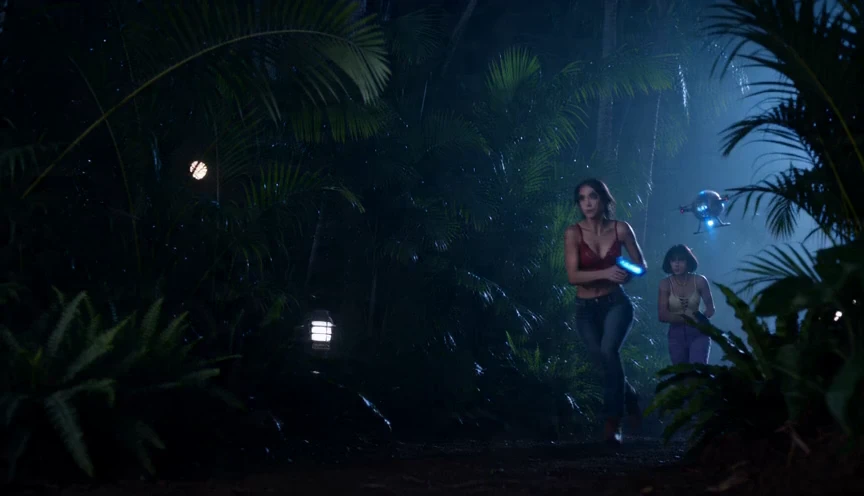
Video from Images and Music
Upload stills plus a music or voice clip and, if you have one, a motion reference. Minamax H3 follows that timing and writes native stereo under the picture, so creating a video with pictures and music stays in one step. Download a photo to MP4 instead of assembling slides by hand.
Who is AdpexAI's Minamax H3 Video Generator for?
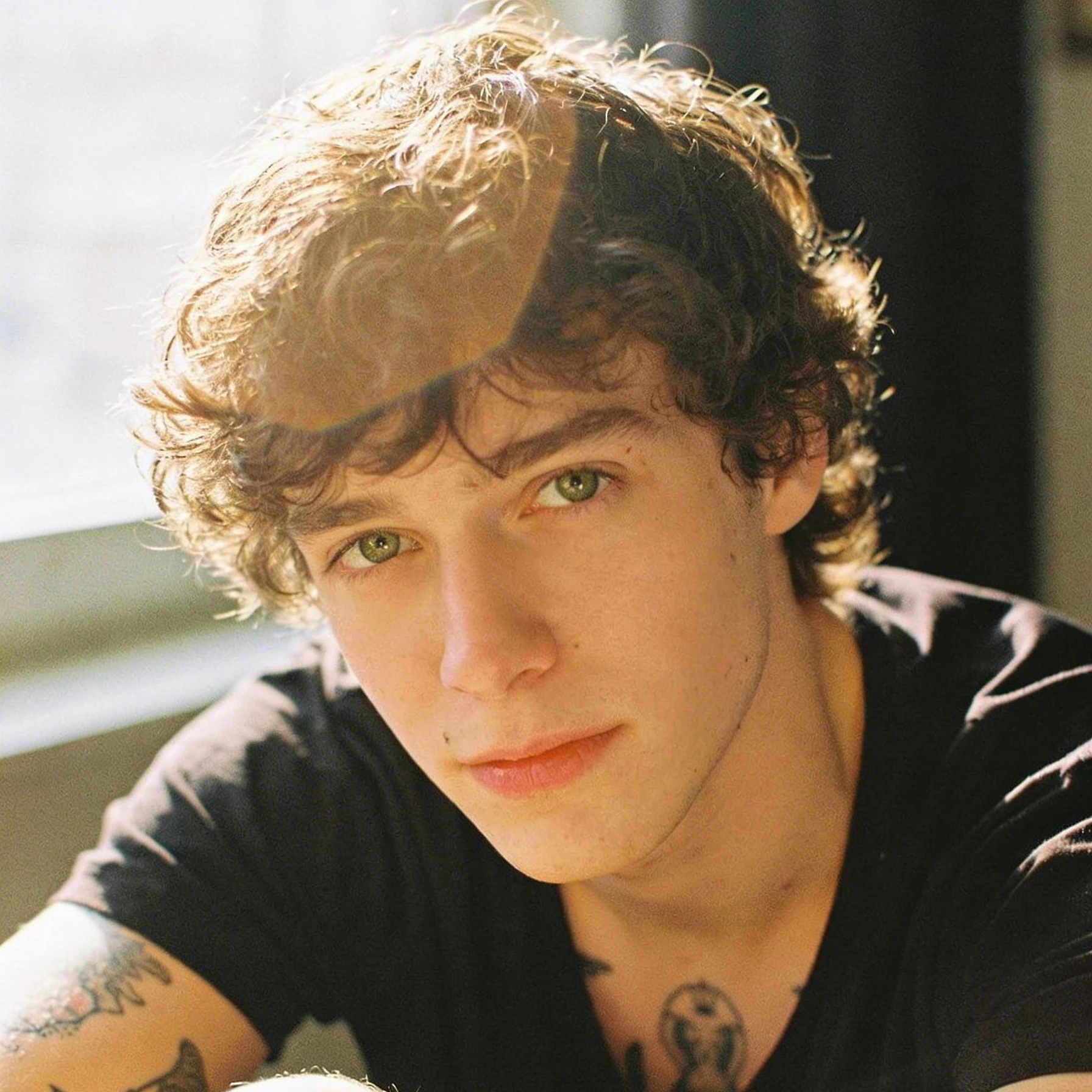
Social Creators
A still photo stops the scroll once people have seen it twice. Minamax H3 turns a travel frame, a portrait, or a concept image into a short MP4 with motion and sound you can post. Making a video with pictures no longer means lining up slides.

Ecommerce Marketers
Catalog photos rarely show how a product moves or sounds. Upload the packshot, keep the design locked, and export a clip for a listing, an ad, or a landing page. One image to video pass replaces a separate motion job.
Film and Ad Editors
The board is approved, and the shot still has to move, cut, and carry a voice. Reference the frames and the read, then change one detail without throwing away the rest. Minamax H3 reference to video is built for that revision loop.
Real User Reviews for AdpexAI's Minamax H3 Video Generator
I needed a photo to video cut from one travel still. Minamax H3 kept the street and the coat, then added a natural push-in and street ambience. I posted the MP4 the same afternoon.
Our sneaker photos looked flat in ads. I used image to video with a first frame and a last frame so the shoe landed on the hero angle. The 2K file was clean enough for the product page.
Reference to video let me keep an actor still, a camera move from a previz clip, and a voice read in one generation. I still nudged the prompt once for the timing of the line. The second pass held the rest of the shot.
I turned a WEBP concept frame into an MP4 without a separate converter. The picture to video result had handheld shake and a soft music bed. That was the post.
Three product angles went in as references and the bottle stayed consistent while the light moved. Native stereo added a glass clink on the pour. That replaced a half-day motion job.
We wanted a Minimax H3 alternative we could run in our own workflow. Minamax H3 handled first-and-last-frame control and a reference clip in the same project. The trailer beat stayed in one file.
I needed a photo to video cut from one travel still. Minamax H3 kept the street and the coat, then added a natural push-in and street ambience. I posted the MP4 the same afternoon.
Our sneaker photos looked flat in ads. I used image to video with a first frame and a last frame so the shoe landed on the hero angle. The 2K file was clean enough for the product page.
Reference to video let me keep an actor still, a camera move from a previz clip, and a voice read in one generation. I still nudged the prompt once for the timing of the line. The second pass held the rest of the shot.
I turned a WEBP concept frame into an MP4 without a separate converter. The picture to video result had handheld shake and a soft music bed. That was the post.
Three product angles went in as references and the bottle stayed consistent while the light moved. Native stereo added a glass clink on the pour. That replaced a half-day motion job.
We wanted a Minimax H3 alternative we could run in our own workflow. Minamax H3 handled first-and-last-frame control and a reference clip in the same project. The trailer beat stayed in one file.
FAQs for AdpexAI's Minamax H3 Video Generator


 Your One-Stop GenerationAI Agent / Tools Hub
We help you find, manage,
and grow with the ones who move people.
 Start Creating
