GPT Image 2: Free Online Text to Image & Image to Image Generator
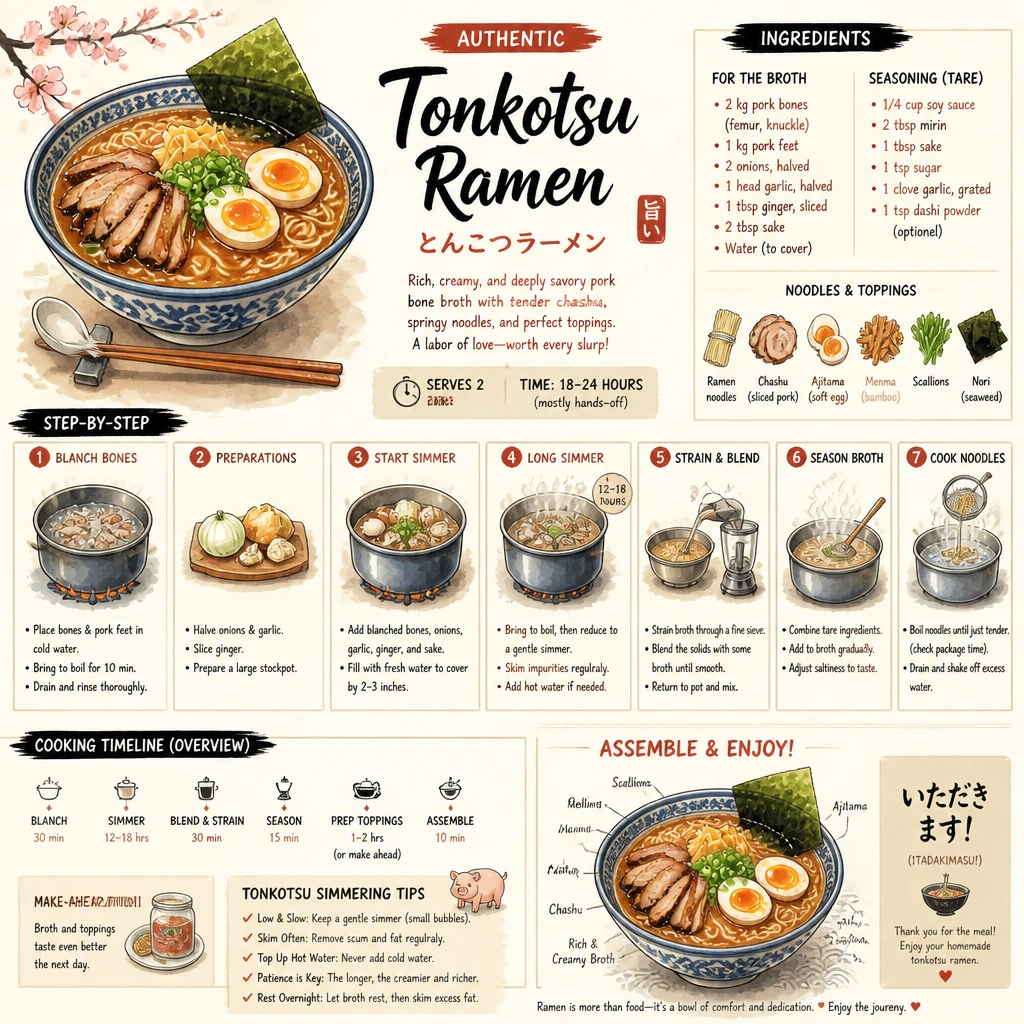
Turn any text prompt or photo into polished visuals with GPT Image 2 model, the unlimited AI image generator on AdpexAI. Run text to image and image to image in one place, render crisp in-image text and download high-resolution results in seconds. Start free online AI photo creation with no sign-up and create as many images as your ideas need.
Key Features of GPT Image 2 Model
Accurate Prompt-to-Image Generation: GPT Image 2 reads complex prompts and renders exactly what you describe, so a single GPT image 2 prompt turns into a usable visual. You spend less time re-rolling and more time shipping finished work.
Multilingual In-Image Text: Add clear, readable text in multiple languages without broken letters or messy spacing. It is ideal for banners, social posts, and global campaigns that need legible wording.
Image-to-Image Editing and Restyling: Upload a photo and use ChatGPT 2.0 image to image to edit, restyle, or extend it. Change backgrounds, lighting, or art direction while keeping the original subject intact.
Photorealistic Detail and Lighting: Create lifelike portraits and product shots with natural lighting and clean composition. The GPT Image 2 model handles texture and depth better than most free tools.
Consistent Style Across Multiple Images: Generate a full series that shares one look and feel, perfect for brand visuals, story content, and ad sets that need to stay on-style.
High-Resolution Output with API Access: Export crisp, high-resolution images ready for print or web, and tap the GPT image 2 API to automate generation inside your own product.
What is AdpexAI's GPT Image 2?
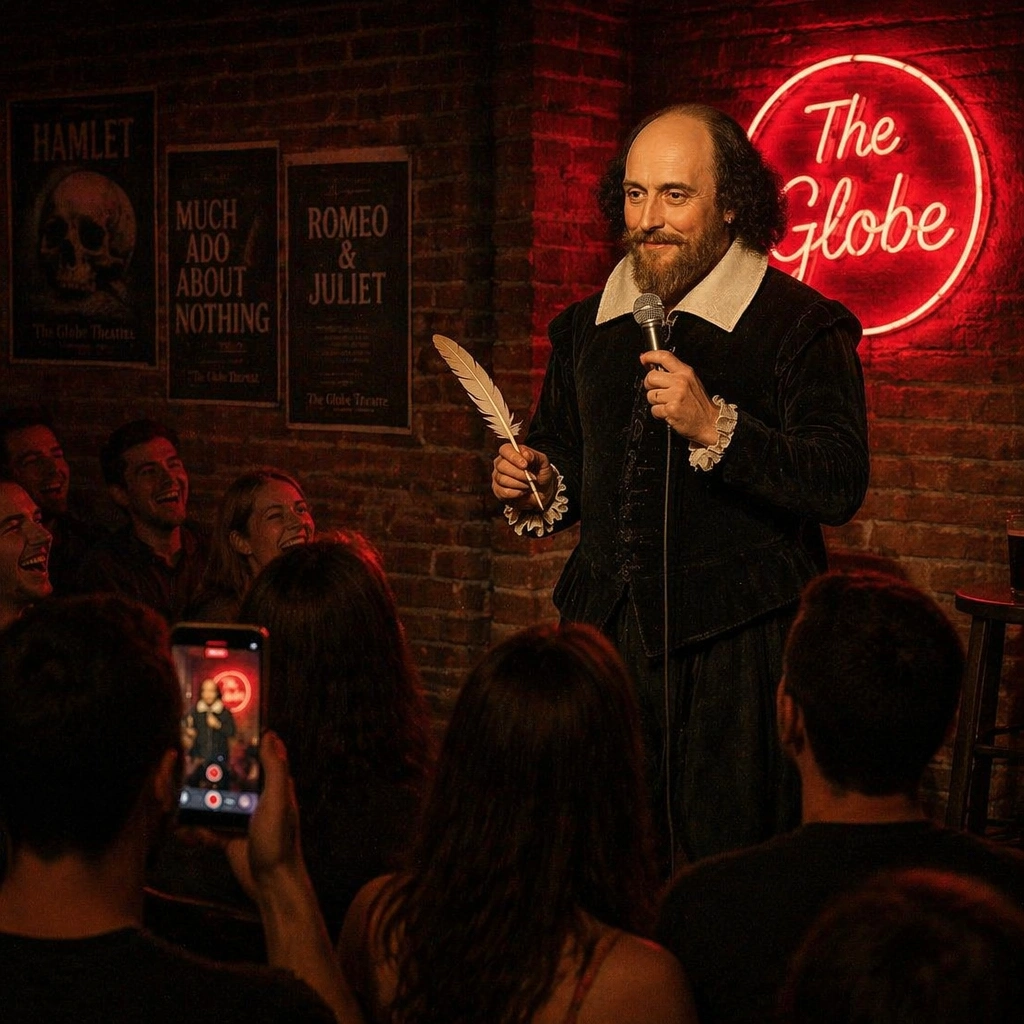
GPT Image 2 is OpenAI's latest image generation model, also known as ChatGPT Images 2.0, available online through AdpexAI. As an OpenAI image generator, the GPT image 2 model improves on GPT Image 1 with sharper detail, stronger prompt following, and far more reliable text rendering inside images. It powers both ChatGPT 2.0 text to image and ChatGPT 2.0 image to image, so one GPT image 2 prompt can create a brand-new visual or edit an existing photo. For teams comparing the best AI image generator options, it pairs production-ready ChatGPT image generation quality with simple, browser-based access.
How Does AdpexAI's GPT Image 2 Work?
Step 1. Enter a Prompt or Upload an Image
Describe the scene, style and any text you want, or upload a photo to edit. GPT Image 2 supports both text to image and image to image inputs.
Step 2. Generate with GPT Image 2
The GPT Image 2 model follows your details and builds high-resolution visuals in seconds, including clear, readable in-image text.
Step 3. Preview and Download Online
Review your result, refine the prompt if needed, and download instantly. Everything runs free online with no sign-up required.
What You Can Do with AdpexAI's GPT Image 2?
Stunning Social Media Graphics from Text
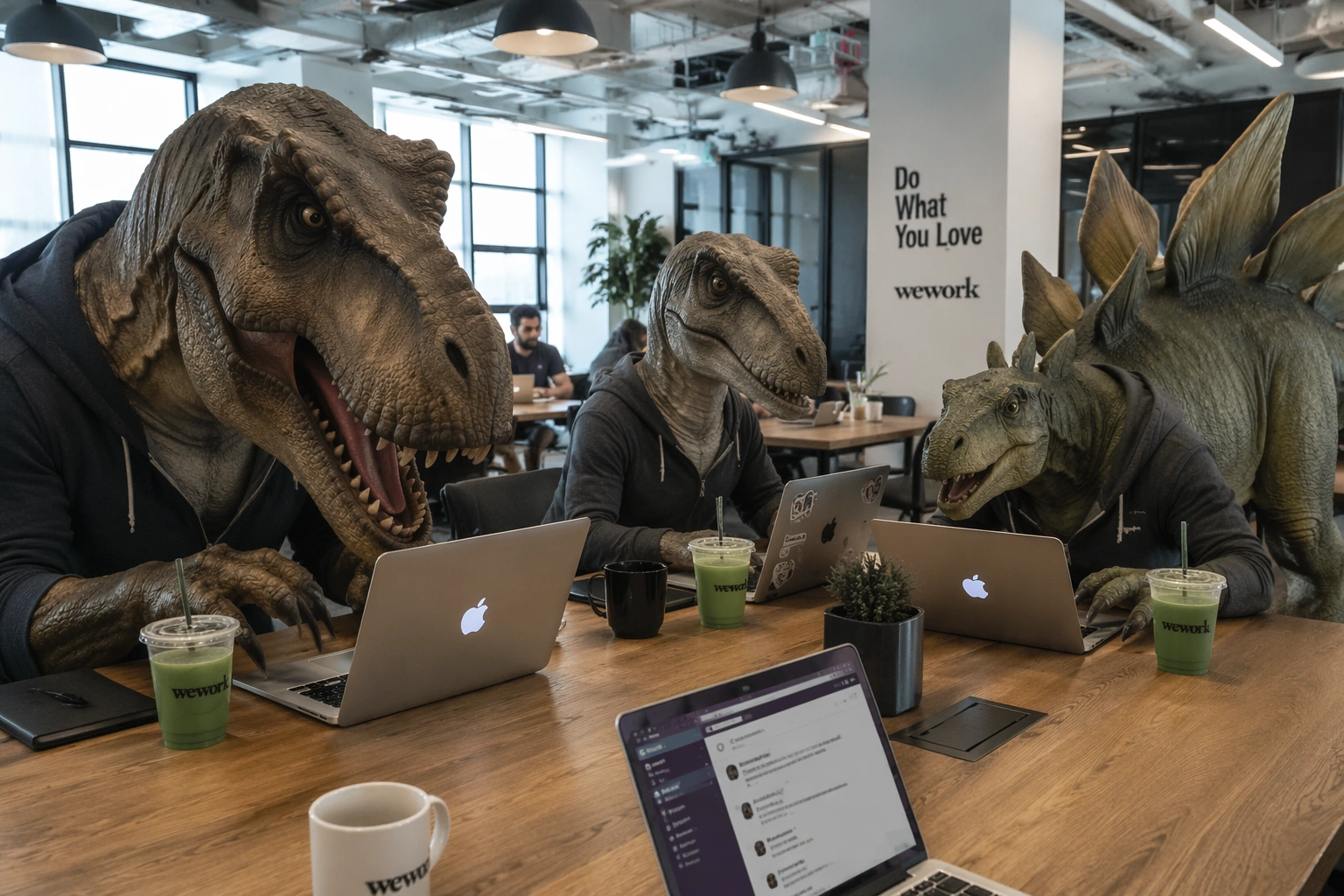
Type a prompt and let this AI image generator build scroll-stopping posts for Instagram, X, or TikTok. ChatGPT 2.0 text to image turns rough ideas into finished graphics in seconds, so you can match each platform's aspect ratio and visual tone without juggling separate design files. Because GPT Image 2 follows detailed prompts, you can lock in brand colors, mood, and on-image captions in a single pass, then spin up alternate versions for A/B testing your feed. It is an easy way to keep a daily posting cadence even when you have no design background or time for complex software.
Marketing Banners with Clear Readable Text
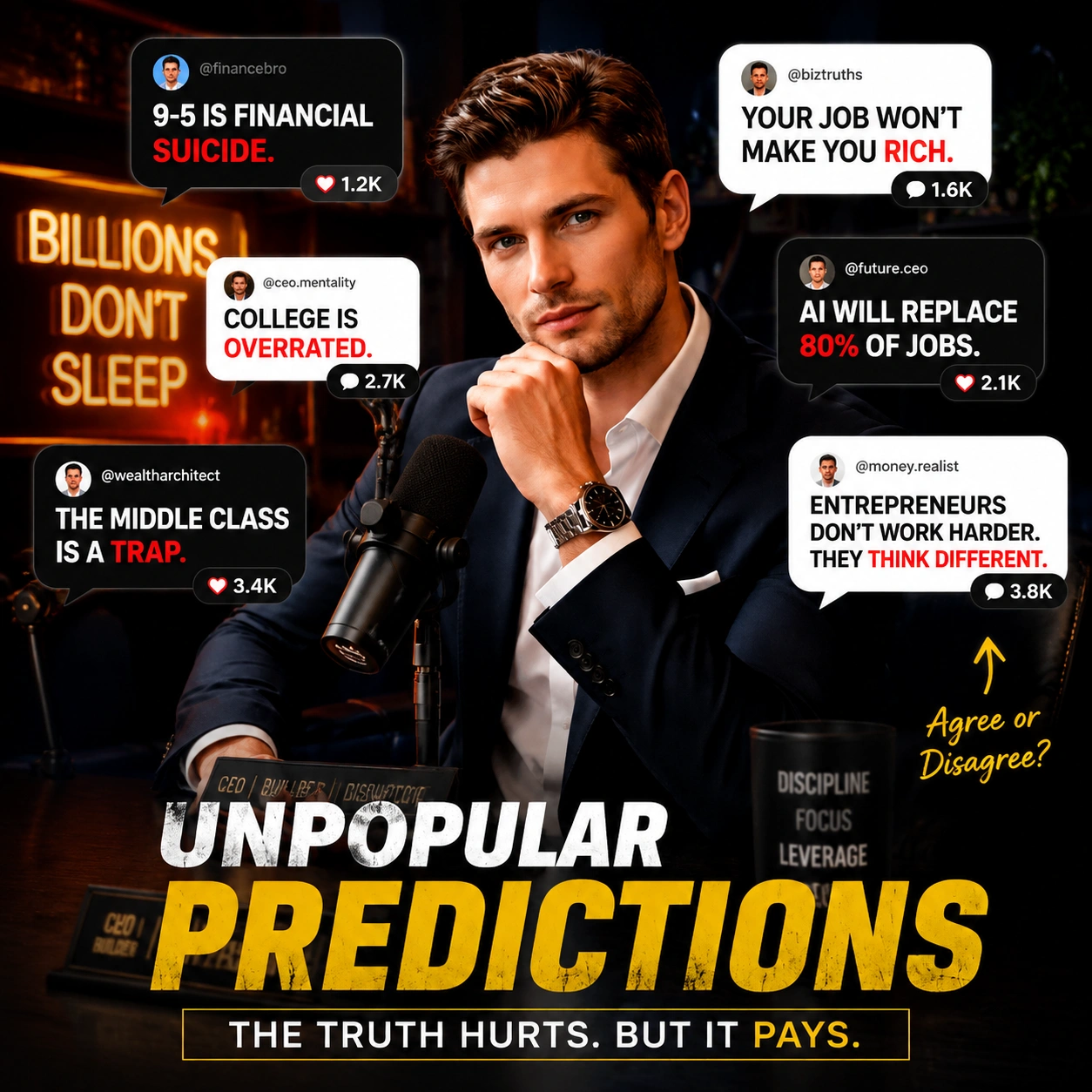
Design ad and website banners where the wording stays crisp and legible. GPT Image 2 places multilingual text cleanly over your layout, so campaigns look professional without a designer or a round of manual retouching. Stronger text rendering means headlines, prices, and calls to action stay sharp across hero banners, display ads, and email headers, even at the smaller sizes where most generators blur or warp letters. You can localize the same banner into multiple languages, keep the composition consistent, and push polished creative to every channel from one GPT image 2 prompt.
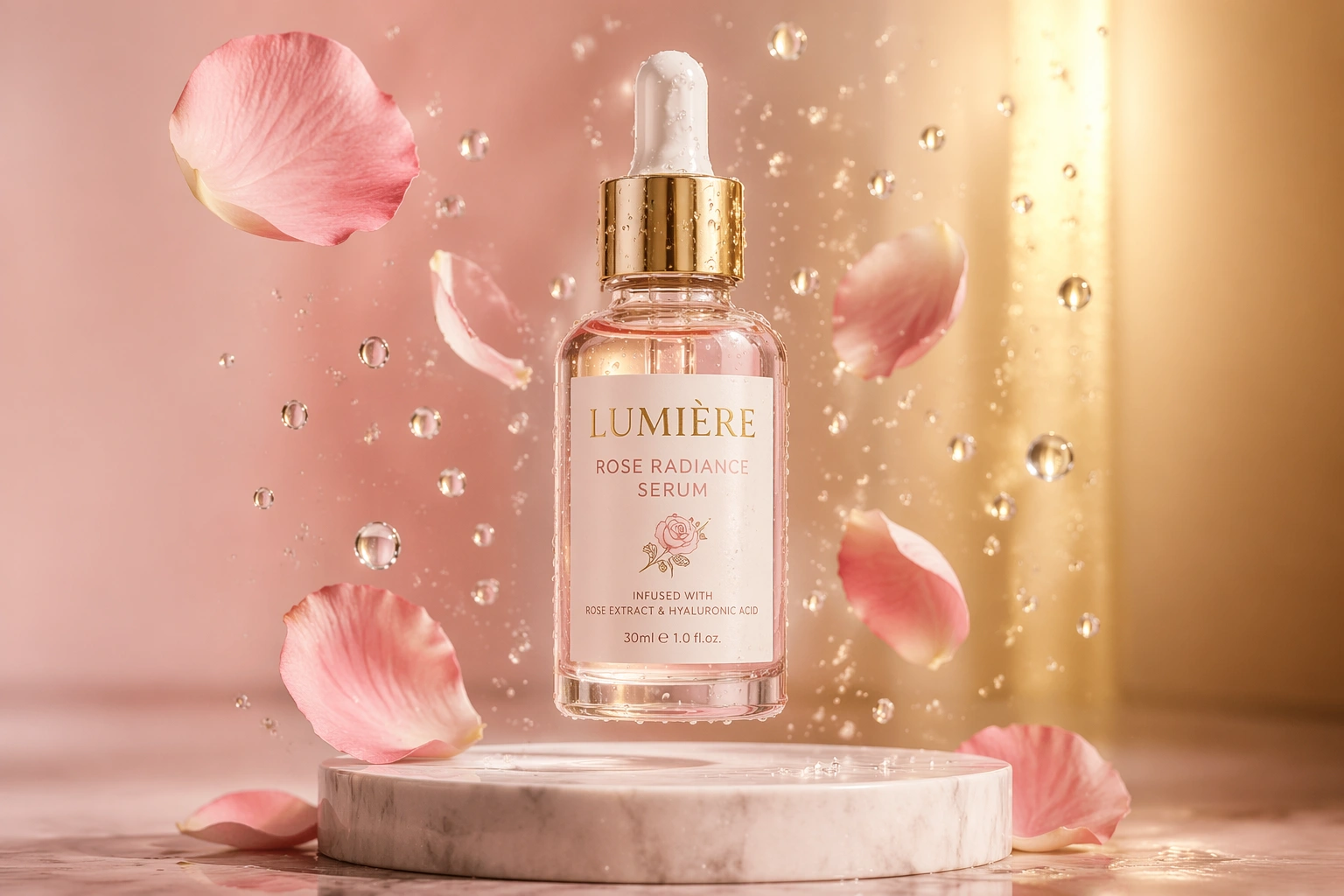
Image to Image Edits and Restyles
Upload a product photo or sketch and transform it with ChatGPT 2.0 image to image. Swap backgrounds, adjust lighting, or restyle the whole scene while keeping key details consistent, so the subject stays recognizable instead of being redrawn from scratch. This makes it practical for real editing tasks like turning a plain studio shot into a seasonal campaign visual, refreshing an old asset to a new art direction, or extending a composition to fit a wider frame. Refine the result with follow-up prompts until the look is right, and reuse the same reference to keep a coherent style across a full set of edits.
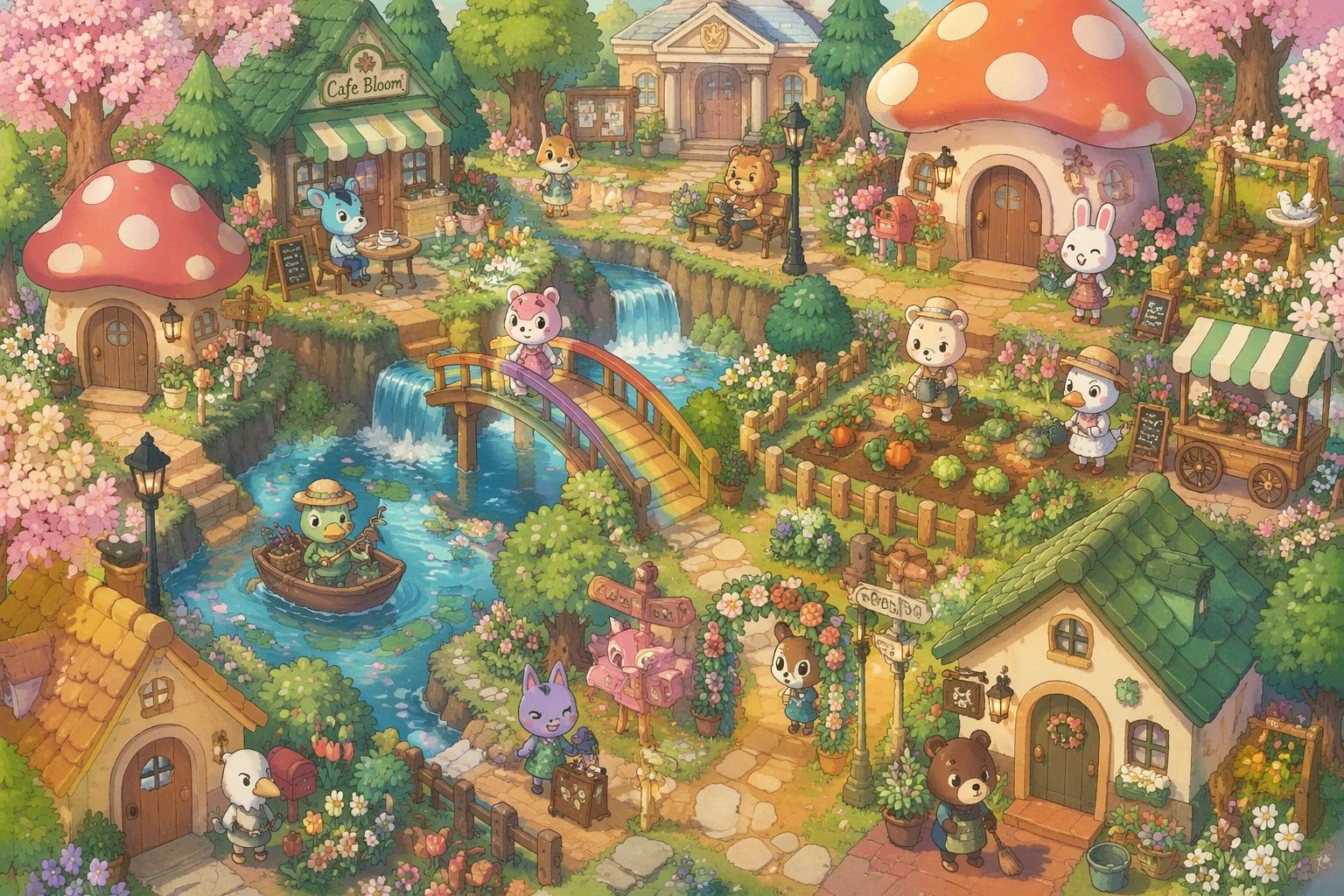
Unlimited Concept Art and Product Mockups
Explore logo concepts, product mockups, and blog covers with gpt image 2 free unlimited runs. Iterate as many times as you like to find the look that fits your brand, instead of rationing a handful of credits before you have even landed the right direction. Generous, unlimited GPT Image 2 generation is ideal for early ideation, where teams need dozens of variations to compare layouts, color stories, and packaging angles in one sitting. Move from rough moodboards to presentation-ready visuals quickly, validate ideas with stakeholders before committing to a photoshoot, and keep a consistent style across every concept you ship.
Who is AdpexAI's GPT Image 2 for?
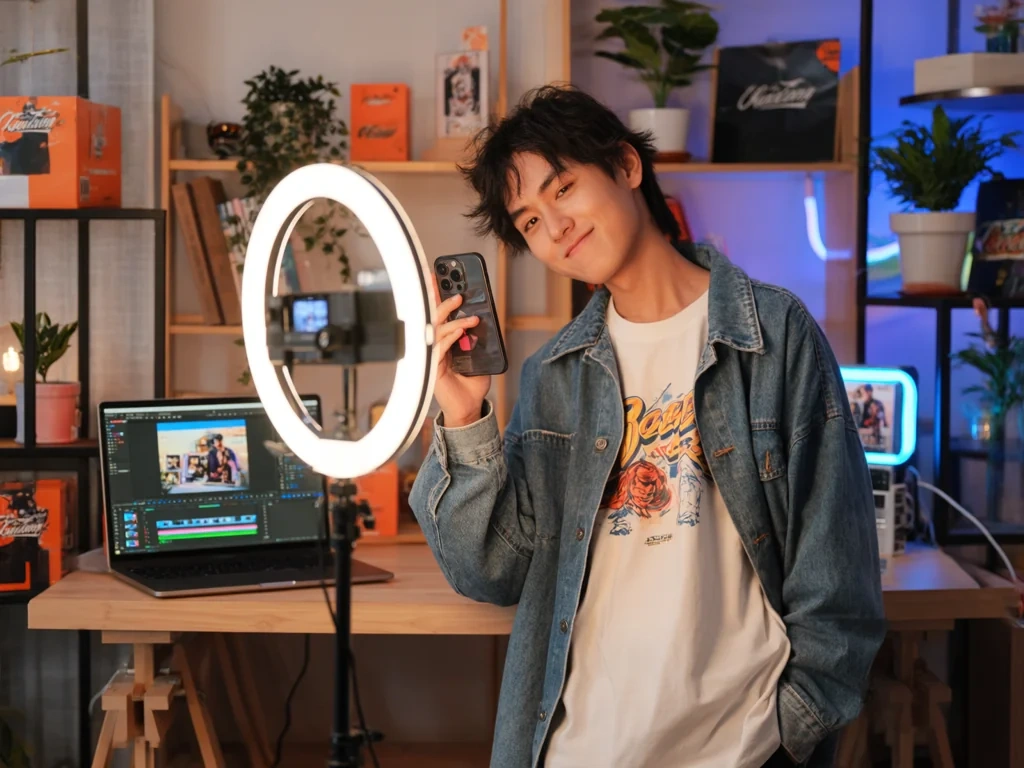
Social Media Creators and Content Teams
Creators use GPT Image 2 to turn captions and ideas into daily posts, thumbnails, and covers. The free online workflow keeps content fresh without any design software.
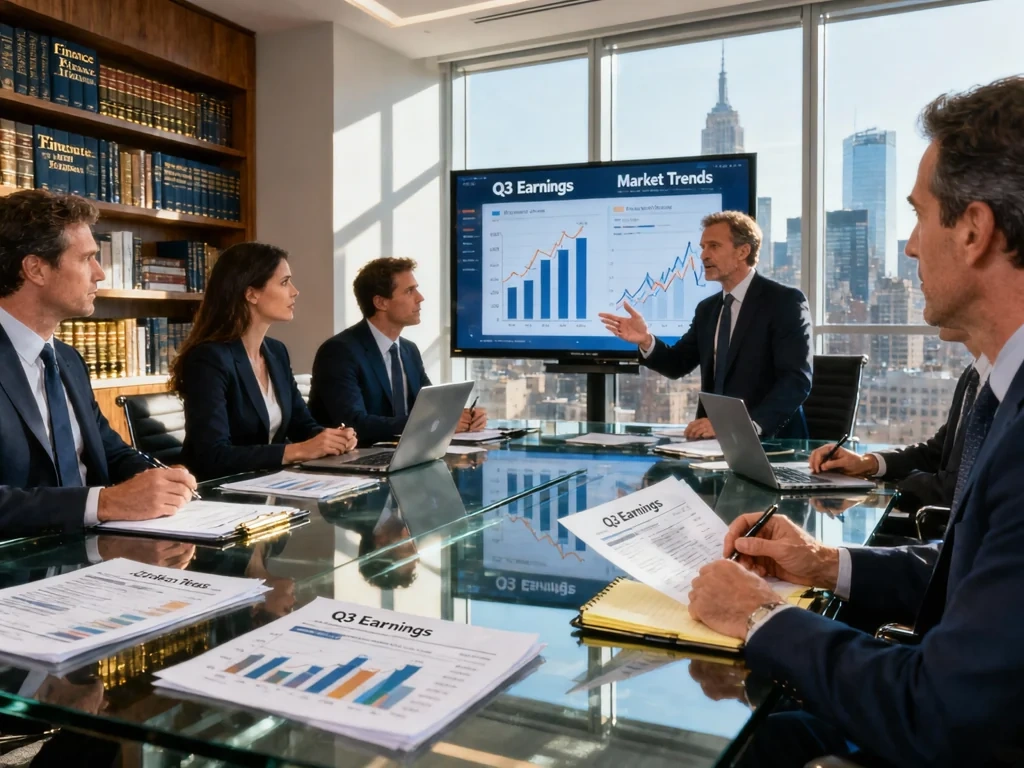
Marketers and Ecommerce Sellers
Marketers generate ad banners, landing visuals, and product mockups with readable text and consistent branding. It is a fast, practical OpenAI image generator for campaigns and store listings.
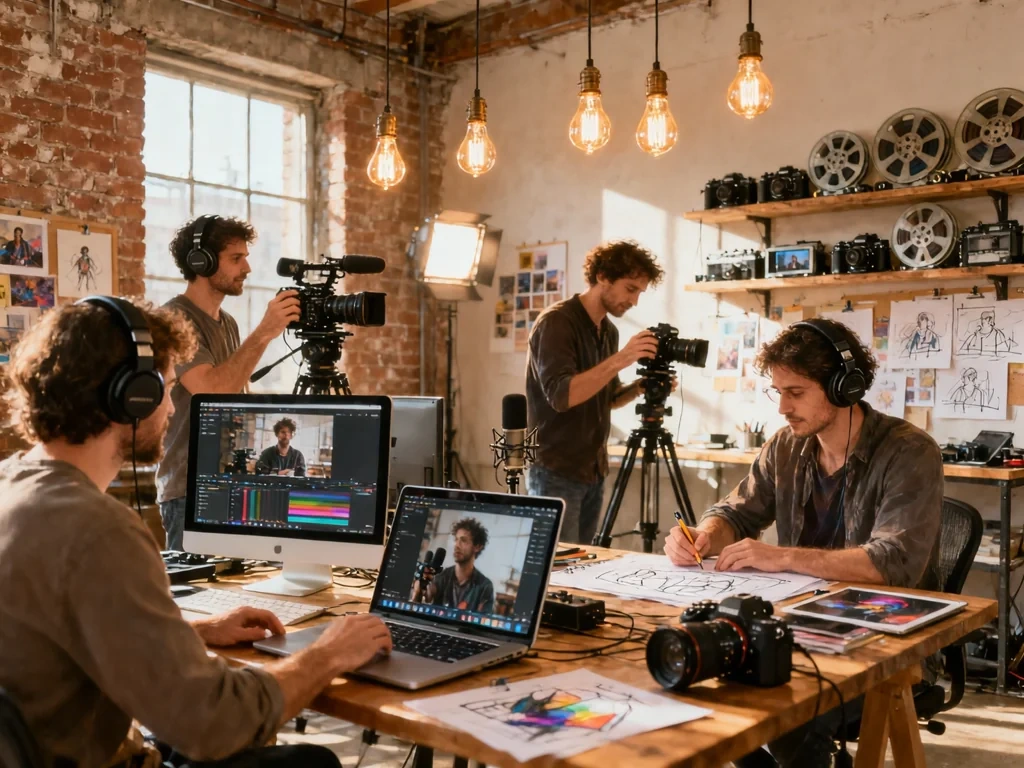
Designers and Indie Developers
Designers prototype concepts quickly, while developers wire the GPT image 2 API into their own apps for automated, on-brand image generation at scale.
Real User Reviews for AdpexAI's GPT Image 2
I have tried a lot of tools, but GPT Image 2 is the most practical for daily work. I create images from text prompts for social posts and quick ad ideas, and the in-image text actually comes out clean. It saves me hours of fixing designs.
For ad banners the text usually breaks in other generators. With GPT Image 2 the wording stays crisp and legible, even across languages. My campaign visuals look professional without a designer.
I upload rough shots and use ChatGPT 2.0 image to image to restyle backgrounds and lighting. It keeps the subject intact and gives me clean variations fast, all in the browser.
I use it for personal projects and school work. Starting free online with no sign-up makes it easy to explore styles and turn rough ideas into real images in seconds.
Before booking a real photoshoot I test ideas with GPT Image 2. The product mockups look lifelike and I can keep a consistent style across my whole store listing.
We integrated the GPT image 2 API to auto-generate on-brand visuals. Setup was simple and the output quality is consistent, so our team ships image features much faster.
I have tried a lot of tools, but GPT Image 2 is the most practical for daily work. I create images from text prompts for social posts and quick ad ideas, and the in-image text actually comes out clean. It saves me hours of fixing designs.
For ad banners the text usually breaks in other generators. With GPT Image 2 the wording stays crisp and legible, even across languages. My campaign visuals look professional without a designer.
I upload rough shots and use ChatGPT 2.0 image to image to restyle backgrounds and lighting. It keeps the subject intact and gives me clean variations fast, all in the browser.
I use it for personal projects and school work. Starting free online with no sign-up makes it easy to explore styles and turn rough ideas into real images in seconds.
Before booking a real photoshoot I test ideas with GPT Image 2. The product mockups look lifelike and I can keep a consistent style across my whole store listing.
We integrated the GPT image 2 API to auto-generate on-brand visuals. Setup was simple and the output quality is consistent, so our team ships image features much faster.
FAQs for AdpexAI's GPT Image 2 Model
 Your One-Stop GenerationAI Agent / Tools Hub
We help you find, manage,
and grow with the ones who move people.
 Start Creating
