
Delete Text From Video
What You Can Do with Delete Text from Video?
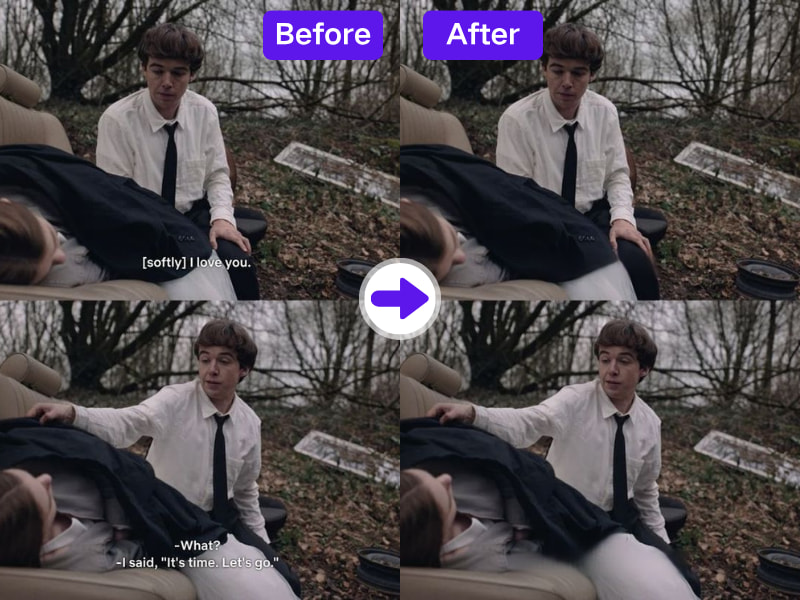
1. Erase Burned-in Subtitles and Overlays Effortlessly
Hardcoded subtitles can’t be toggled off like soft subs, but with AdpexAI, you can delete subtitles from video cleanly. This tool isolates fixed captions embedded in the video layer and removes them with contextual awareness—ideal for localization or aesthetic clean-up.
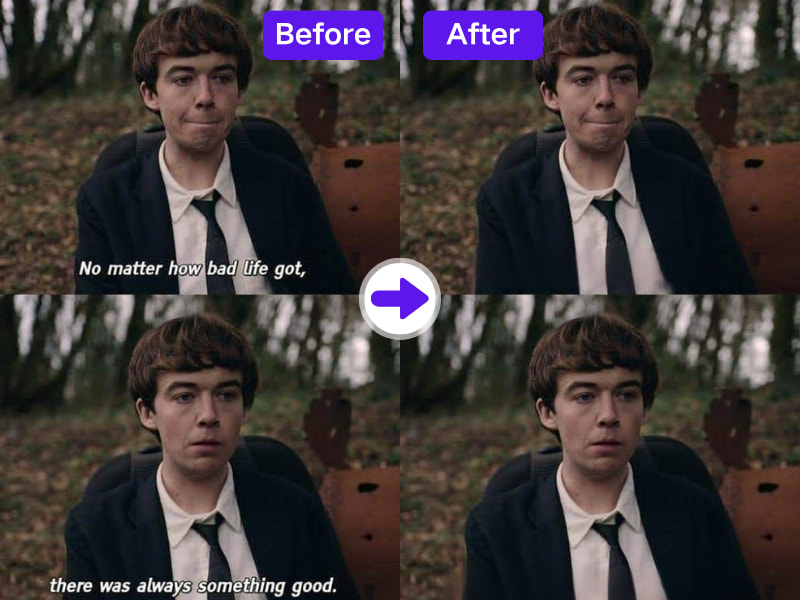
2. Maintain Original Scene Integrity with AI Refill
Text removal without visual compromise is now possible. The AI text erasure engine doesn’t just mask content—it refills it, preserving lighting, texture, and motion, so the scene looks untouched even when large blocks of text are removed.
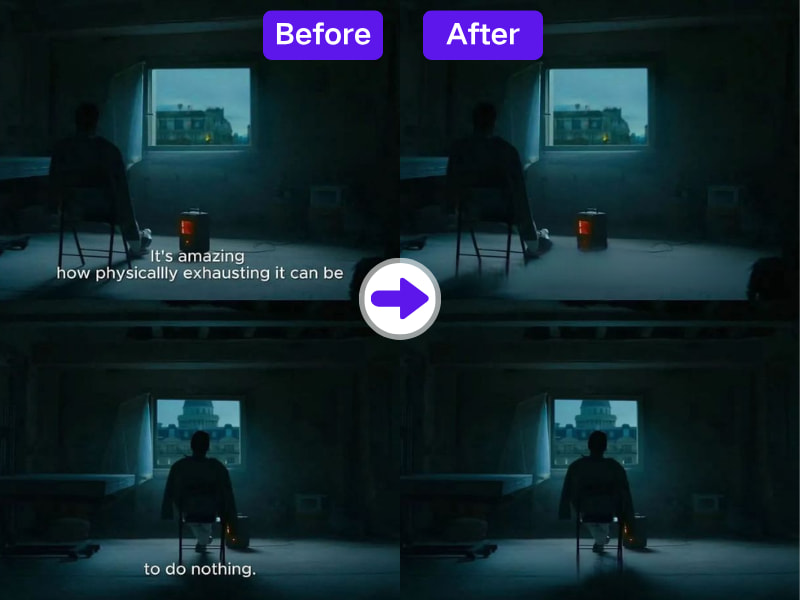
3. Enhance Global Video Distribution
By removing original captions and callouts, AdpexAI helps businesses and creators prepare content for new translations, dubs, or brand messaging—a critical need for companies distributing content across multilingual or multi-region platforms.
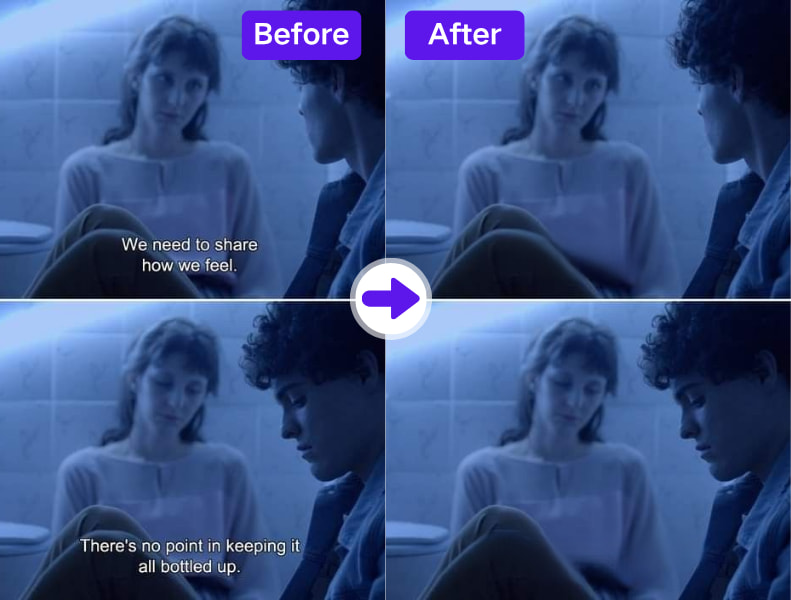
4. Browser-Based & Budget-Friendly
This free subtitle remover from video works fully online—no downloads, no plug-ins, and no hidden charges. Perfect for small teams or freelancers looking for a quick and effective solution without investing in high-cost editing software.
Why Do You Need AdpexAI’s Delete Text from Video?
Delete All Text Types From Video
The delete text from video tool efficiently delete embedded and overlaid texts, allowing you to produce clean, distraction-free content suitable for any audience.
Prevent Texts Overlap on Key Content
Texts can sometimes obstruct essential visuals or branding. Use delete text from video to clear the screen and improve viewer focus on what matters.
Enhance Viewer Experience
Some audiences prefer clean visuals without texts. The delete text from video feature enables you to tailor your content for a better and more engaging viewing experience.
How to Use AdpexAI’s Delete Text from Video?
Turning your image into another style using our image AI photo Face Swap tool is straightforward. Just follow these simple steps:
Open AdpexAI video text remover on your browser and then upload the video you want to edit and remove text, Logo, watermark or captions.
Select your ideal brush size, then choose the text you want to delete. You can reset and start the text, captions, and watermarks selection process afresh.
After selecting the text, click ‘Remove Now’ to process the video and erase the text. Proceed to download your new video without any captions and texts.
FAQs for Delete Text from Video

 Your One-Stop GenerationAI Agent / Tools Hub
We help you find, manage,
and grow with the ones who move people.
 Start Creating
