
Delete Subtitle From Video
What You Can Do with Delete Subtitle from Video?
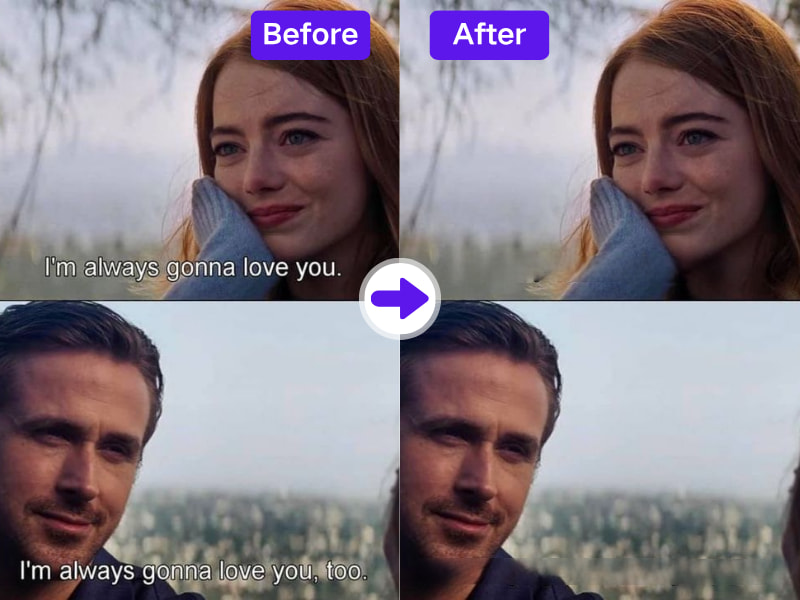
1. Instantly Delete Subtitles from Any Video Format
With AdpexAI, you can delete subtitles from video files in MP4, MOV, AVI, and more. It supports both horizontal and vertically aligned text, giving you clean edits with minimal effort.
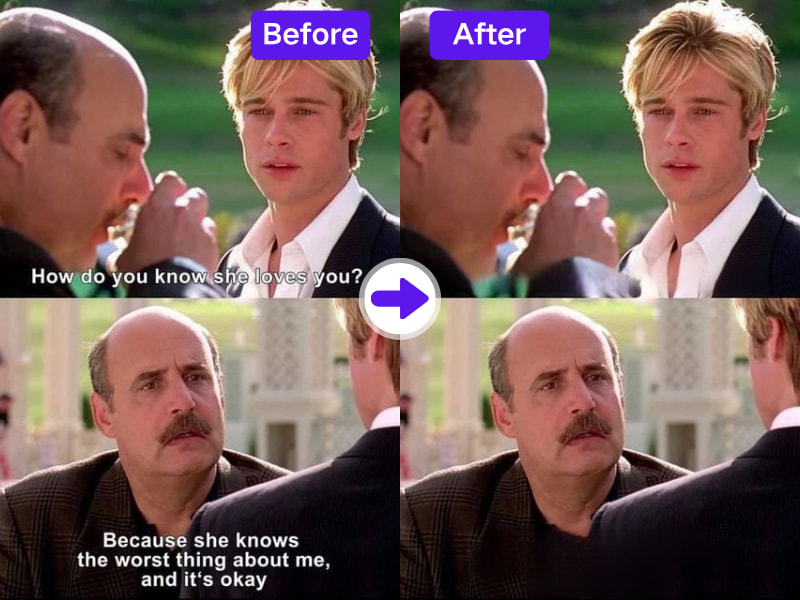
2. Precision AI to Retain Audio & Frame Sync
Our AI remove subtitles from video engine intelligently erases subtitles without disrupting voice or scene timing—preserving sync and frame structure for seamless playback.
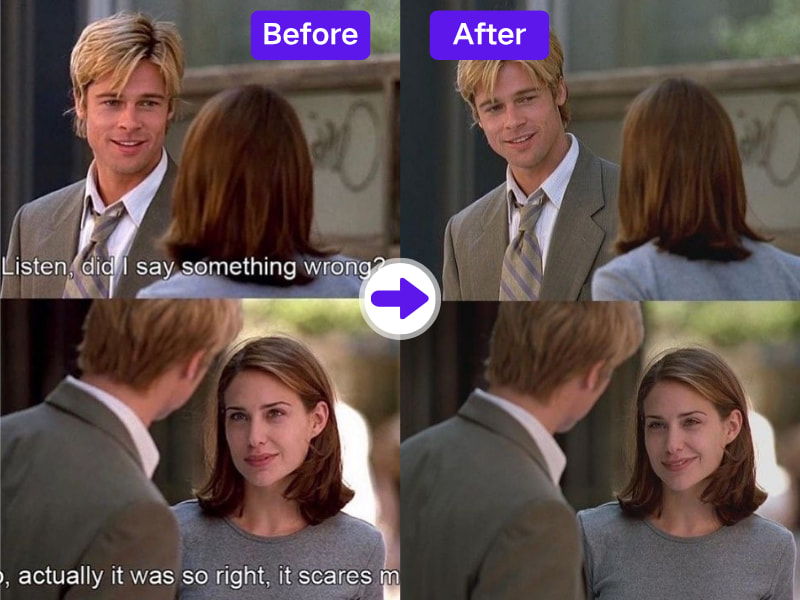
3. Best for Translators, Vloggers, and Localized Content
Whether you're replacing English subtitles with another language or reworking old tutorial content, AdpexAI helps clean your visuals while you localize the narrative.
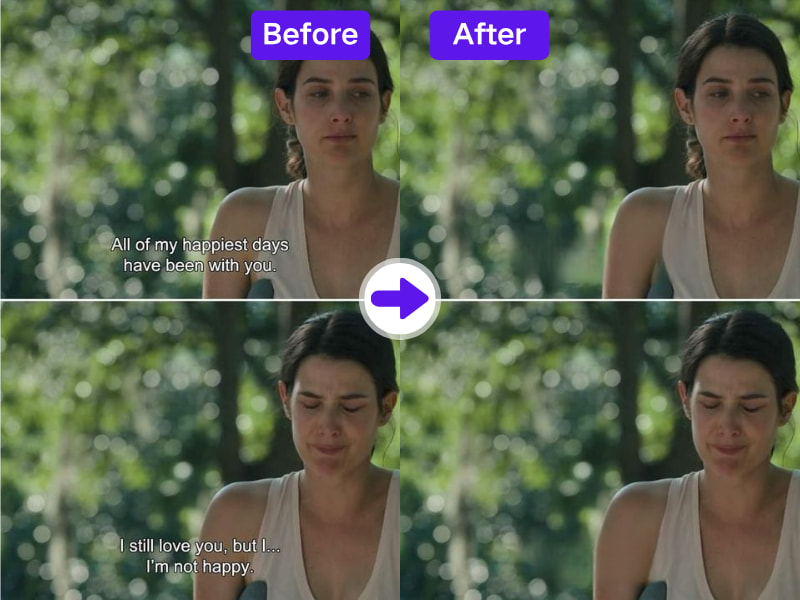
4. Cross-Platform Subtitle Remover – Anytime, Anywhere
Delete subtitles from video effortlessly on any device—desktop, tablet, or mobile. AdpexAI’s subtitle remover online free tool is browser-based, requiring no installation and working across all major systems. Whether you’re editing on the go or at your desk, enjoy full functionality with no blur, no watermark, and no limitations.
Why Do You Need AdpexAI’s Delete Subtitle from Video Tool?
1. Delete Subtitle from Video with Smart Frame Preservation
AdpexAI’s tool deletes subtitles from videos without disturbing the motion or structure of the frames—making it ideal for seamless re-editing or integration into long-form content.
2. Subtitle Remover That Handles Complex Backgrounds
From subtitles over gradients to moving patterns, AdpexAI’s AI-powered algorithm ensures even the most embedded or obstructed text is intelligently erased, delivering clean results where basic editors fail.
3. Free Online Access Without Hidden Compression
Delete subtitle from video online without the quality drop. Unlike other “free” subtitle removers that compress your output, AdpexAI maintains HD resolution—no downloads, no trade-offs.
How to Use AdpexAI to Delete Subtitle from Video?
Removing captions from videos with our AI Subtitle Remover is simple. Just follow these steps:
Open the AdpexAI tool and choose the video with unwanted subtitles. Upload it from your device or drag and drop.
Pick the brush tool and mark the subtitle text that needs removal. Use the zoom function for better accuracy.
Hit the “Remove Subtitle” button. Once done, preview and download your clean video without visible subtitles.
FAQs for Delete Subtitle from Video


 Your One-Stop GenerationAI Agent / Tools Hub
We help you find, manage,
and grow with the ones who move people.
 Start Creating
