
Delete Logo From Video
What You Can Do with Delete Logo from Video?
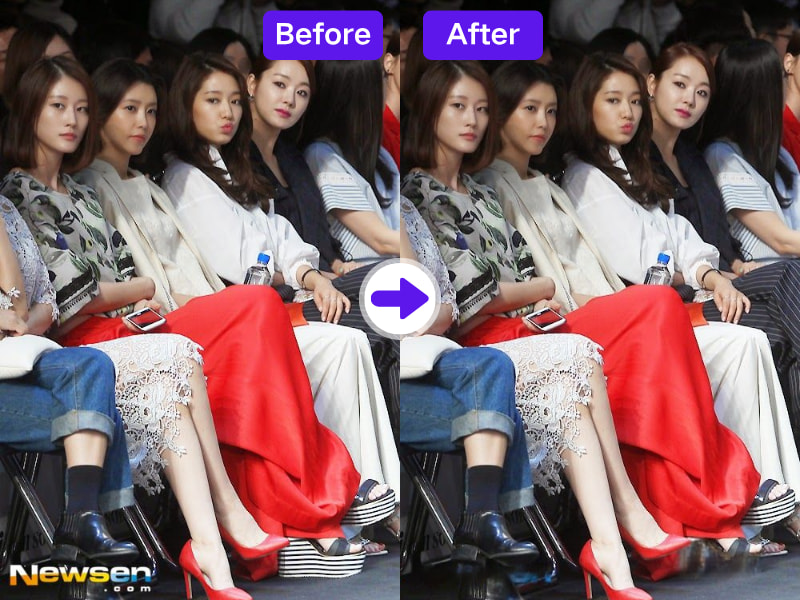
1. AI-Powered Logo Detection and Removal
AdpexAI’s delete logo from video feature uses intelligent recognition to pinpoint logos, watermarks, or channel marks on screen and erase them precisely.

2. Seamless Background Restoration Without Blur
Forget blurry or pixelated masks. Our online watermark remover for video reconstructs the removed area using AI inpainting, preserving original texture and lighting.
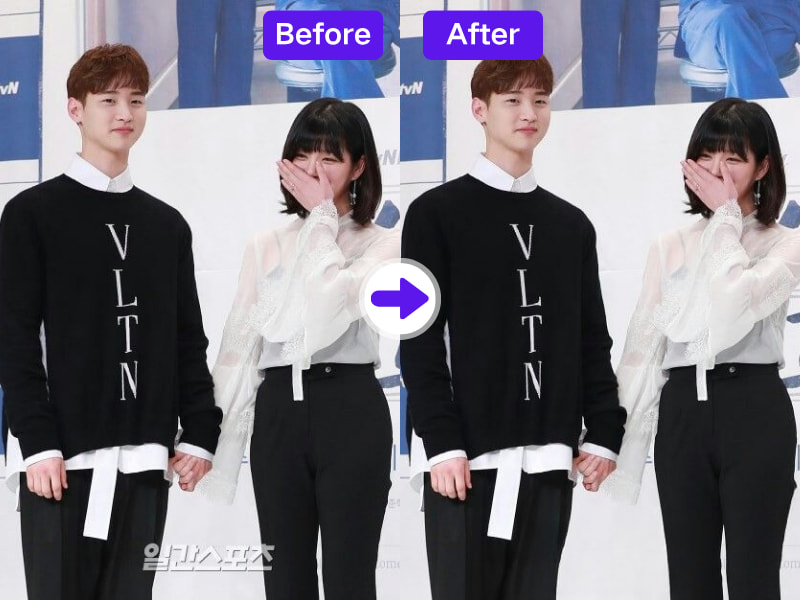
3. Ideal for Commercial Reuse, Licensing, or Resale
If you’re rebranding content or preparing third-party footage for distribution, removing logos cleanly is essential. AdpexAI helps ensure your content meets brand compliance.
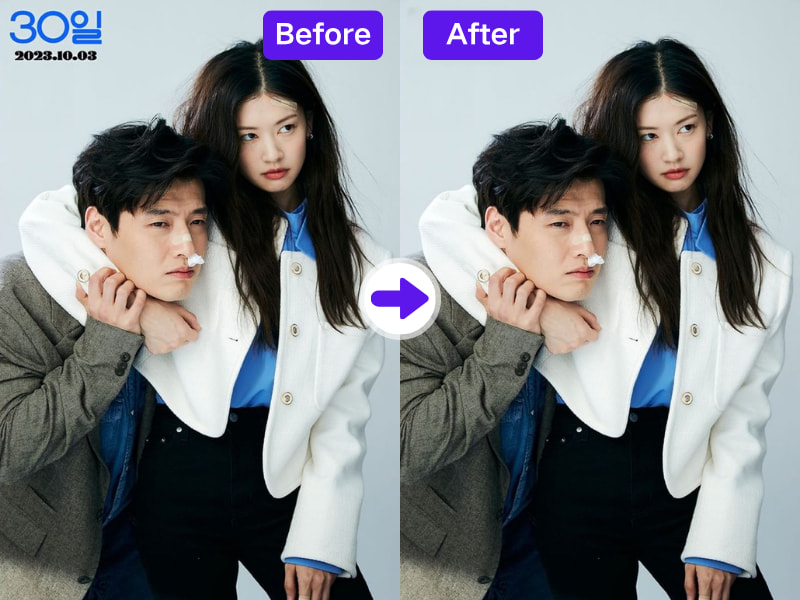
4. Works Online, Free and Without Quality Loss
No software, no subscription. Use our free video watermark remover online to erase logos or branding overlays with just a few clicks—great for editors and digital creators.
Why Do You Need AdpexAI’s Delete Logo from Video Tool?
1. Delete Logo from Video with Custom Region Control
Don’t settle for fixed watermark detection. With AdpexAI, you can select exact regions for removal—logos, timestamps, or overlays—giving editors precision over every frame.
2. Clean Logo Removal for Rebranding & Licensing
Need to re-use archived or licensed footage? Our remove logo from video tool ensures content looks fresh and brand-free, ready for new intros, watermarks, or language localizations.
3. Logo Removal That Works on Animated or Faded Marks
Whether your logo fades in, animates, or appears semi-transparent, AdpexAI’s inpainting algorithm adjusts dynamically for a natural result—no ghosting, no artifacts.
How to Use AdpexAI to Delete Logo from Video?
Removing captions from videos with our AI Subtitle Remover is simple. Just follow these steps:
Open the AdpexAI logo remover and upload the video containing the unwanted logo or watermark.
Use the brush tool to select the logo. You can fine-tune the selection for more accurate logo removal.
Click the "Delete" button. AdpexAI will remove the logo using AI inpainting, leaving no blur or trace behind.
FAQs for Delete Logo from Video


 Your One-Stop GenerationAI Agent / Tools Hub
We help you find, manage,
and grow with the ones who move people.
 Start Creating
