
Caption Remover From Video
What You Can Do with Caption Remover from Video?
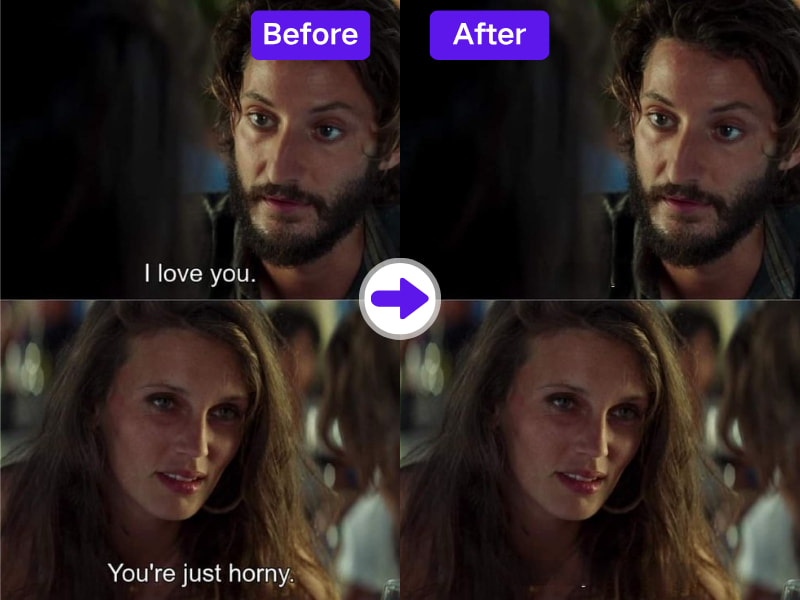
1. Remove Captions Automatically with Smart Detection
AdpexAI’s caption remover from video tool uses smart AI to identify and erase burnt-in captions without affecting other elements of the screen. Best for multi-layered editing workflows.
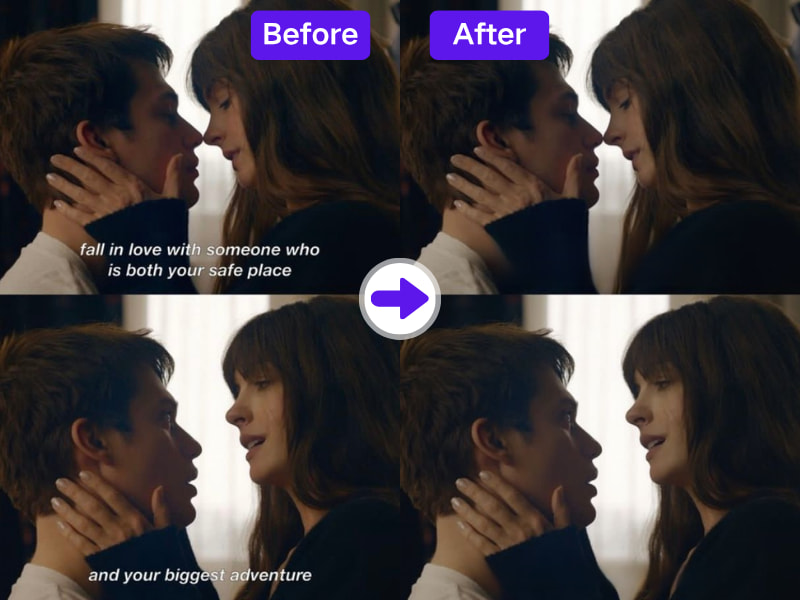
2. Flexible Use for Social Media and Course Content
Remove text overlays from training videos, shorts, reels, or client presentations in minutes. Clean footage means you can add your own branding or CTA overlays freely.
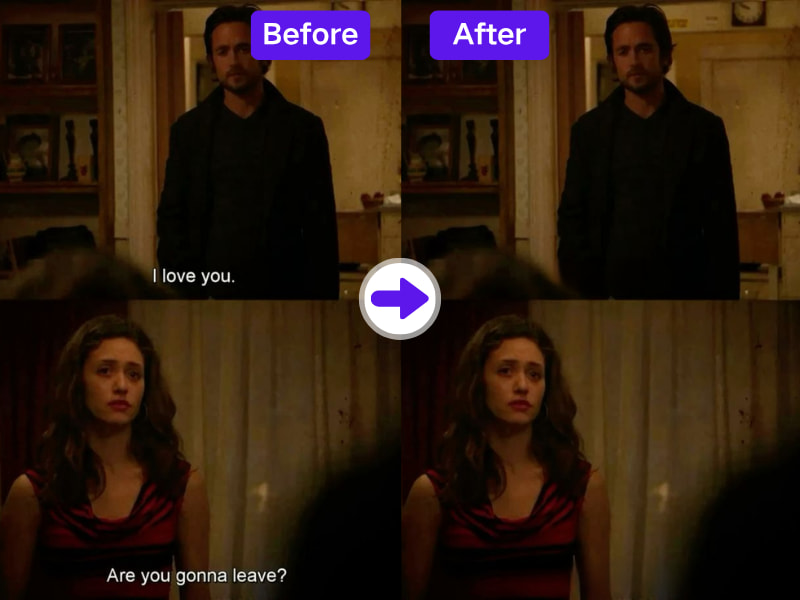
3. Remove Text Without Cropping or Resizing
Unlike free editors that crop or distort the screen, our AI text remover for video rebuilds the background so your full-frame visuals stay untouched.
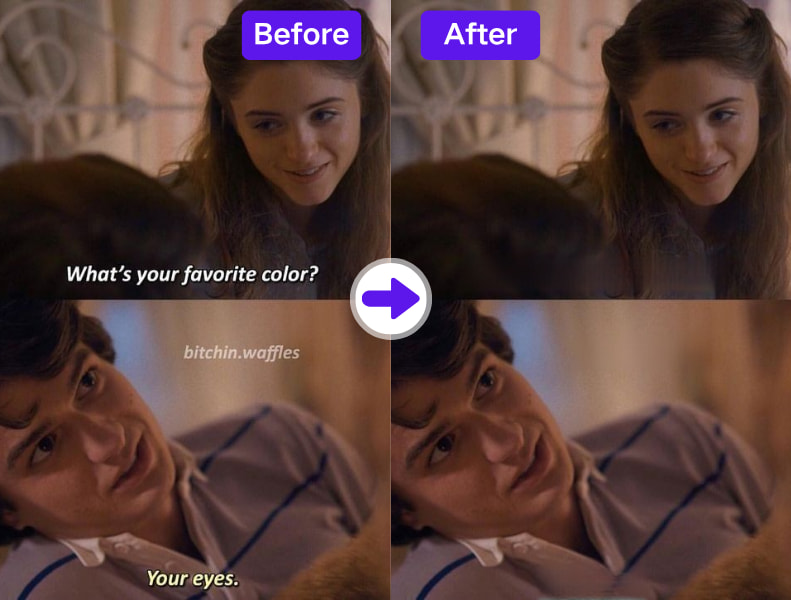
4. Great for Editors, Marketers, and Teachers
Educational and marketing content often comes pre-captioned. Use our caption remover tool to prepare videos for voiceovers, subtitles in another language, or commercial use.
Why Do You Need AdpexAI’s Caption Remover from Video?
1. Caption Remover Designed for Shortform & Reels
Captions often ruin aesthetic appeal in TikToks, Shorts, or Reels. AdpexAI’s caption remover from video is tailored for vertical formats and social media creators needing clean storytelling visuals.
2. Remove Captions Without Cropping Text Above/Below
Our system detects only the caption region, leaving all non-caption on-screen text—like titles, CTAs, and UI elements—untouched. Ideal for app demo videos or tutorial edits.
3. Captions Gone, Branding Preserved
Want to remove captions but keep logos or watermarks? AdpexAI gives you the control to target just subtitle layers—perfect when caption remover precision matters in client work.
How to Use AdpexAI's Caption Remover from Video?
Removing captions from videos with our AI Subtitle Remover is simple. Just follow these steps:
Launch AdpexAI’s caption remover from video interface. Upload your content for instant processing.
Manually highlight the caption area using the adjustable brush. You can undo or redo as needed.
Click on "Remove" to let AI erase the captions intelligently. Download your high-quality caption-free video.
FAQs for Caption Remover from Video

 Your One-Stop GenerationAI Agent / Tools Hub
We help you find, manage,
and grow with the ones who move people.
 Start Creating
