
AI Subtitle Remover
What You Can Do with AI Subtitle Remover?
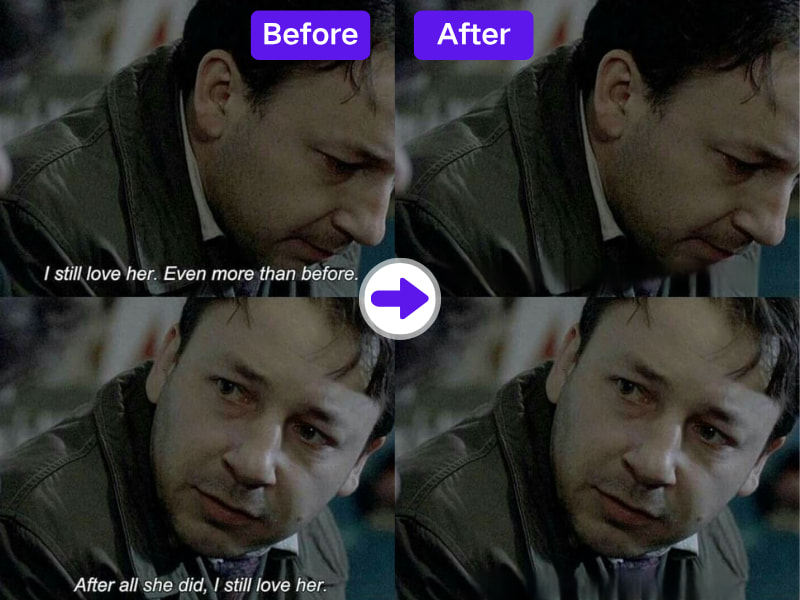
1. Remove Subtitles from Video Using AI
Leverage AdpexAI's advanced AI subtitle remover to automatically detect and erase hardcoded subtitles without cropping or blurring. It's the perfect solution for content creators and editors who need clean footage.
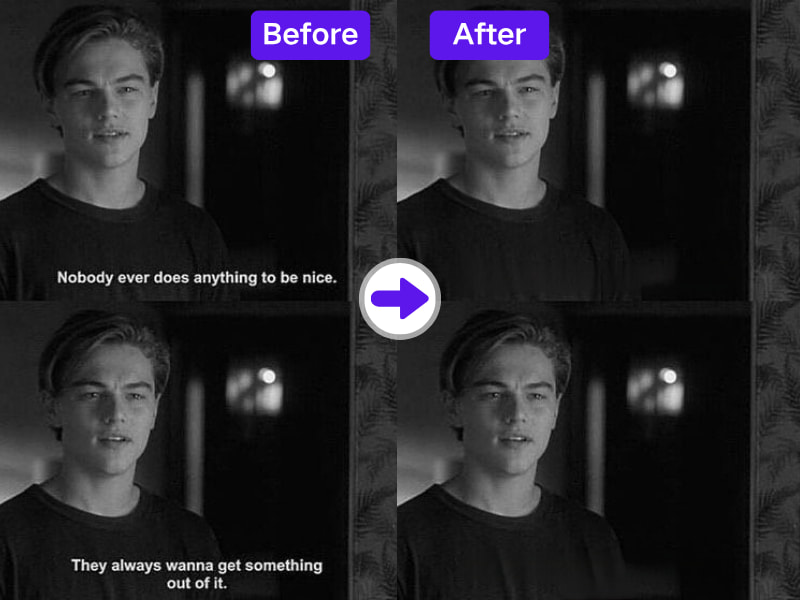
2. Restore Clean Visuals with Frame Consistency
Unlike basic tools, our subtitle remover from video AI uses deep inpainting to fill in removed text with consistent background pixels—ideal for professional video editing without visual artifacts.
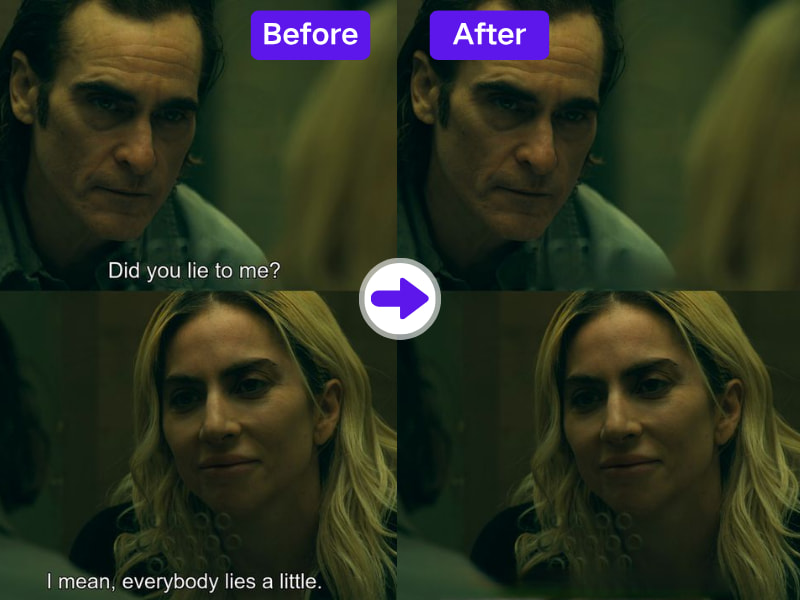
3. Ideal for Reuse of Licensed or Archived Content
Want to repurpose videos with embedded subtitles? Use AdpexAI to prepare content for dubbing, retitling, or rebranding. A must-have for marketing agencies and production teams.
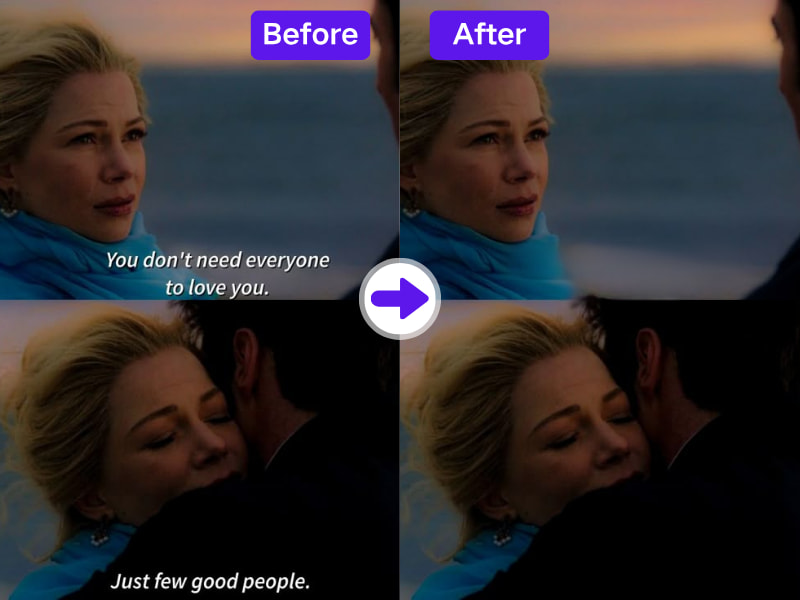
4. Use It Online, Free, and Fast
No software install needed. AdpexAI's subtitle remover free version lets you remove subtitles from video online quickly—perfect for YouTubers and freelance editors on the go.
Why Do You Need AdpexAI’s AI Subtitle Remover?
1. AI Subtitle Remover with Deep Scene Understanding
Unlike traditional pixel masking, AdpexAI uses frame-by-frame scene analysis to identify subtitle regions with full context—ensuring text is erased without damaging surrounding visual elements. Perfect for cinematic and fast-motion scenes.
2. Subtitle Removal That Adapts to Any Font or Language
Whether your video includes English captions, Mandarin, Arabic, or stylized fonts, our AI subtitle remover supports multi-language subtitle patterns, making it ideal for global content repurposing.
3. Subtitle-Free Output for Creative Post-Editing
After removing subtitles, creators have a clean visual canvas ready for overlays, branded intros, or new captions. It’s the go-to tool when you need to remove subtitles from video AI while preserving creative flexibility.
How to Use AdpexAI's AI Subtitle Remover?
Removing captions from videos with our AI Subtitle Remover is simple. Just follow these steps:
Go to AdpexAI’s AI subtitle remover and upload your video file. It supports MP4, MOV, and more.
Use the brush tool to select the subtitle area you want to delete from the video. Adjust the size for precise selection.
Click "Remove" and let the AI process the video. Your video will be subtitle-free in seconds—no editing skills needed.
FAQs for AI Subtitle Remover


 Your One-Stop GenerationAI Agent / Tools Hub
We help you find, manage,
and grow with the ones who move people.
 Start Creating
